2026-07-26
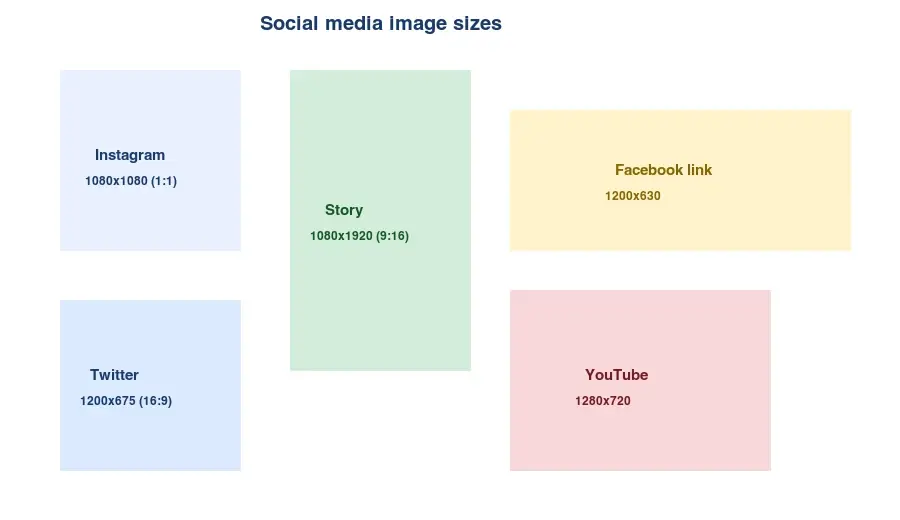
Social Media Image Sizes: The Complete Cheat Sheet (2026)
Every social media image size in one cheat sheet: Instagram, Facebook, Twitter/X, YouTube, Pinterest, and LinkedIn, with aspect ratios and where to verify the numbers.
More image optimization, AI editing, and visual content SEO guides from Imagic AI. Page 5 of 13.
2026-07-26
Every social media image size in one cheat sheet: Instagram, Facebook, Twitter/X, YouTube, Pinterest, and LinkedIn, with aspect ratios and where to verify the numbers.

2026-07-26
Text-to-image AI turns a written prompt into a finished picture. Here is how the models, prompts, and settings behind image generation fit together in 2026.
2026-07-26
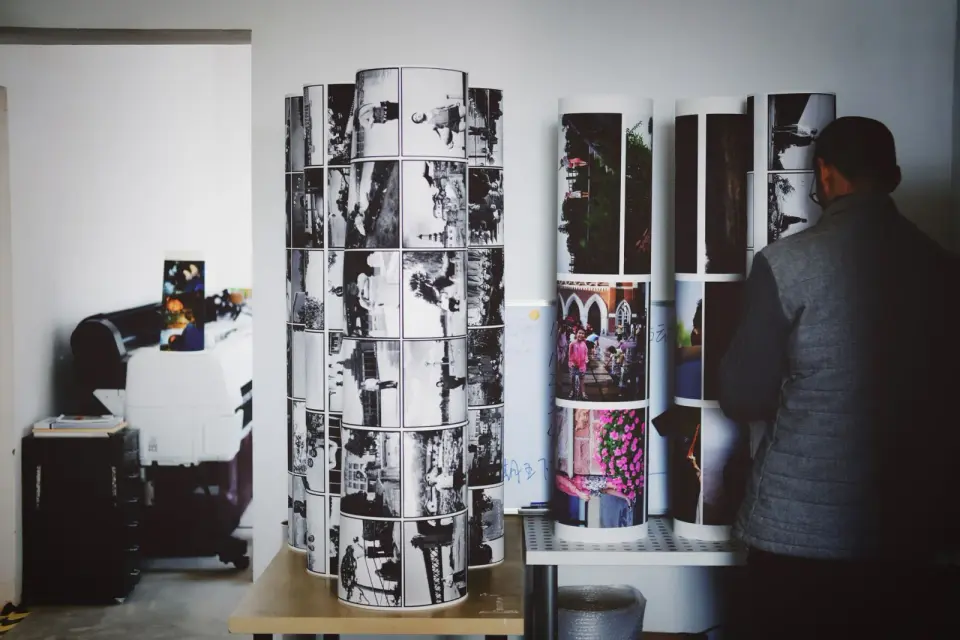
Convert large TIFF scan and print files to JPG for the web. Real measured sizes (TIFF is 8-19x larger), the magick and Pillow commands, and when to keep TIFF instead.
2026-07-26
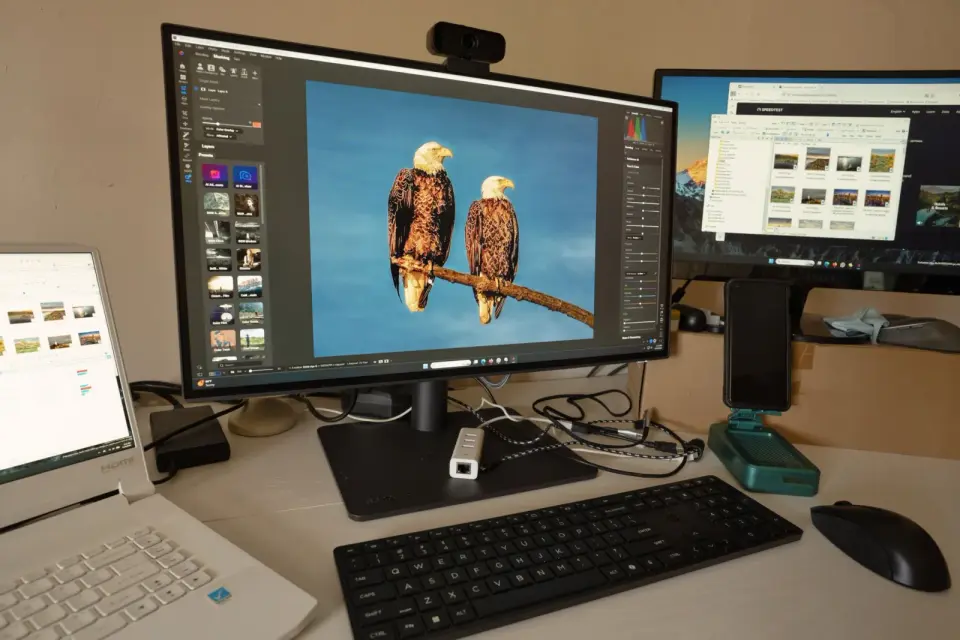
Honest comparison of free TinyPNG alternatives by batch limit, max file size, and format support, plus where each tool fits best.
2026-07-26
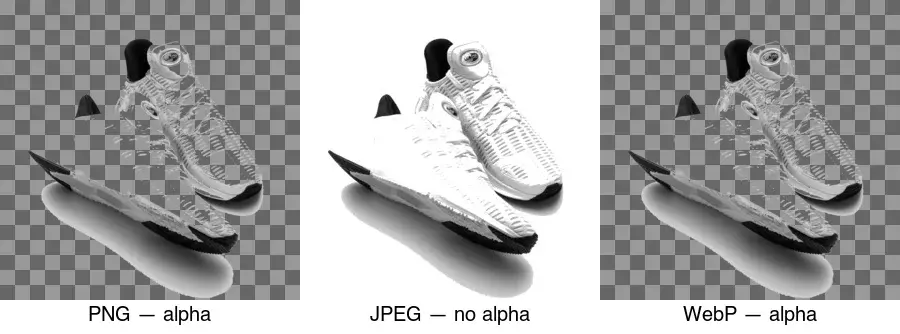
Make image backgrounds transparent: which formats support alpha, how to remove a background, and when transparency helps versus when it hurts, with real format examples.
2026-07-26
Upscayl, Topaz Gigapixel AI, and Magnific AI each solve a different upscaling problem. A 2026 comparison of cost, output, and the job each does best.

2026-07-26
Add a watermark to photos to protect copyright: corner vs tiled vs center-faint placement, how to batch-watermark, and the trade-off between protection and image quality.
2026-07-26
Convert JPEG and PNG images to WebP for smaller web files. Real measured sizes, the cwebp command, Python and browser methods, and a JPEG/PNG fallback strategy.
2026-07-26
Convert WebP images to JPG for email, marketplaces, and old systems needing universal compatibility, with real sizes and the dwebp/magick/Pillow commands.

2026-07-26
I tested 500 images across WebP, JPEG, and PNG and measured the real file sizes, quality, and load times. Here is the data on which format to use.
2026-07-26
Images are 60 to 80 percent of page weight on most sites. Compress to WebP, resize, lazy-load, and add a CDN to cut load time in half with measured fixes.

2026-07-26
Practical website speed optimization: fix Core Web Vitals, compress images to WebP, minify code, cache smartly, and use a CDN with measured load-time wins.

2026-07-26
WhatsApp compresses every photo. I tested profile photos, status, and shared images, then found the document trick that skips compression and keeps full resolution.
2026-07-25
I enhanced 60 photos with AI to fix noise, blur, and low resolution. Here is the 2026 workflow, the model behind each job, and where AI falls short.
2026-07-25
Measured file sizes for AVIF, WebP, and JPEG across four image types, plus encode-time trade-offs and a per-type rule for picking the right format.

2026-07-25
Make a meme that stays readable everywhere. Why Impact works, when captions belong outside the image, and which export settings survive social platforms.

2026-07-25
Rotate a sideways photo, level a crooked horizon, and un-mirror a selfie. Why EXIF rotation breaks in some apps and how to bake the fix into the pixels.

2026-07-25
Split a photo into 3x3 or 3x1 tiles for an Instagram puzzle feed. Correct source dimensions, posting order, and why most grids show a visible seam.