2026-07-25
How U2-Net Background Removal Works: Architecture Explained
U2-Net is not the same as U-Net. This guide explains the nested RSU architecture, how saliency maps become alpha mattes, and where the model fails on hair.
More image optimization, AI editing, and visual content SEO guides from Imagic AI. Page 6 of 13.
2026-07-25
U2-Net is not the same as U-Net. This guide explains the nested RSU architecture, how saliency maps become alpha mattes, and where the model fails on hair.
2026-07-18
Add clean text overlays to photos for social posts, product images, banners, and watermarks. Includes contrast checks, layout rules, tools, and batch options.
2026-07-18
Add a readable text or logo watermark to photos for free. Pick placement, opacity, export size, and batch settings without ruining the image.
2026-07-18
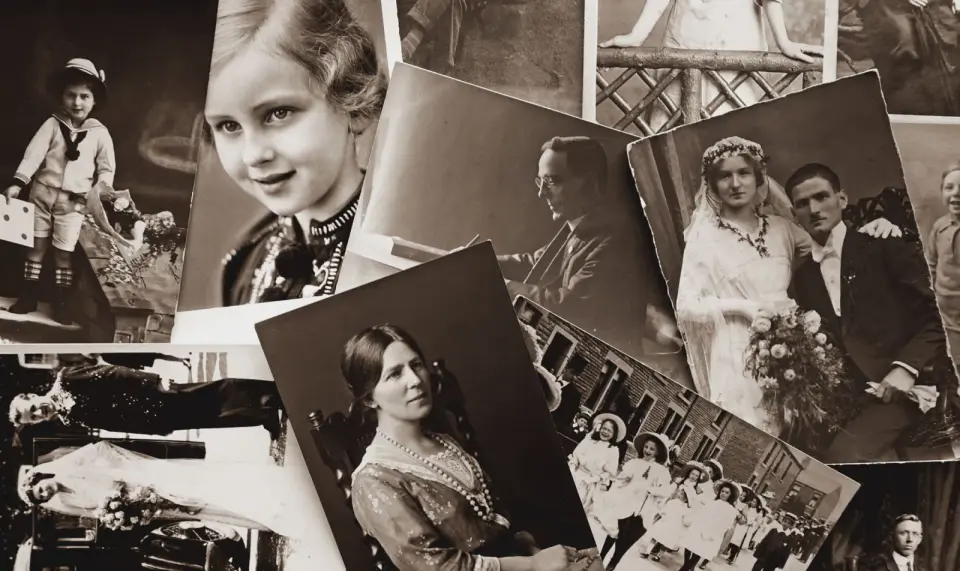
I tested 2026's AI photo restoration tools on real damaged prints. Here is what rebuilt scratches, tears, fading, and color — and what looked fake.
2026-07-18
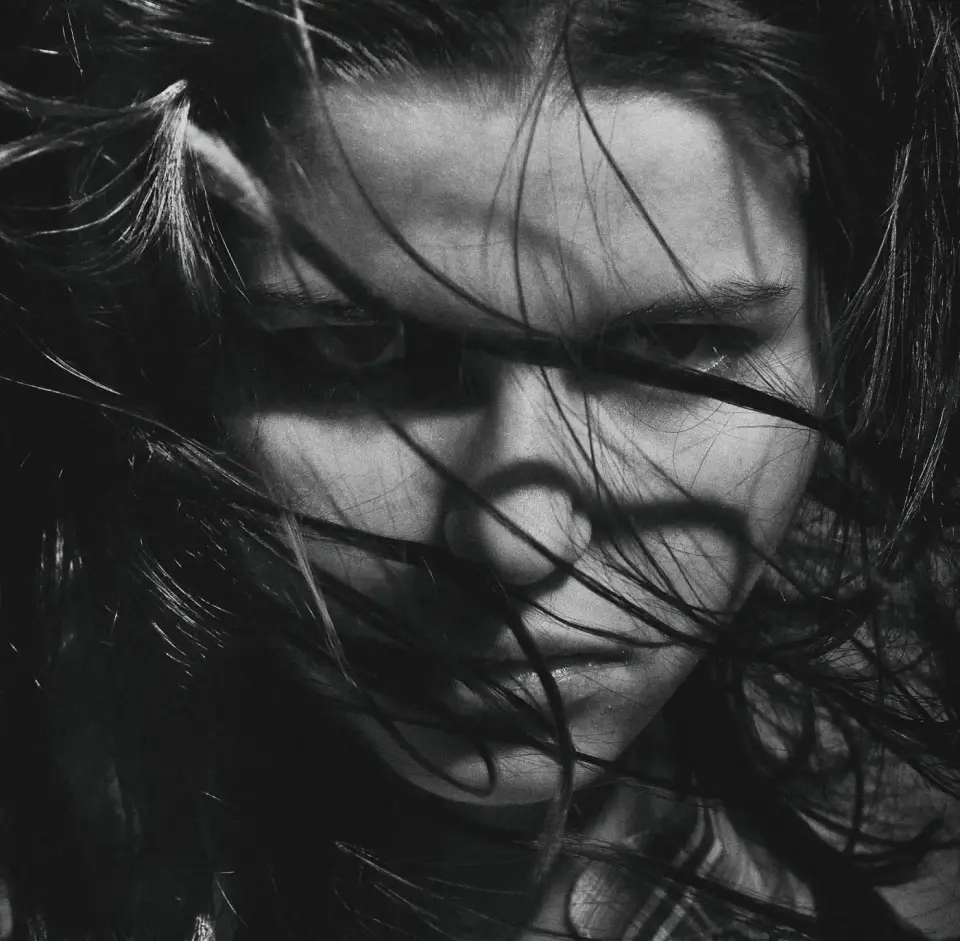
AI background removers leave halos and cut off hair strands. Here's why it happens and how to fix it for free, directly in your browser, no Photoshop.
2026-07-18
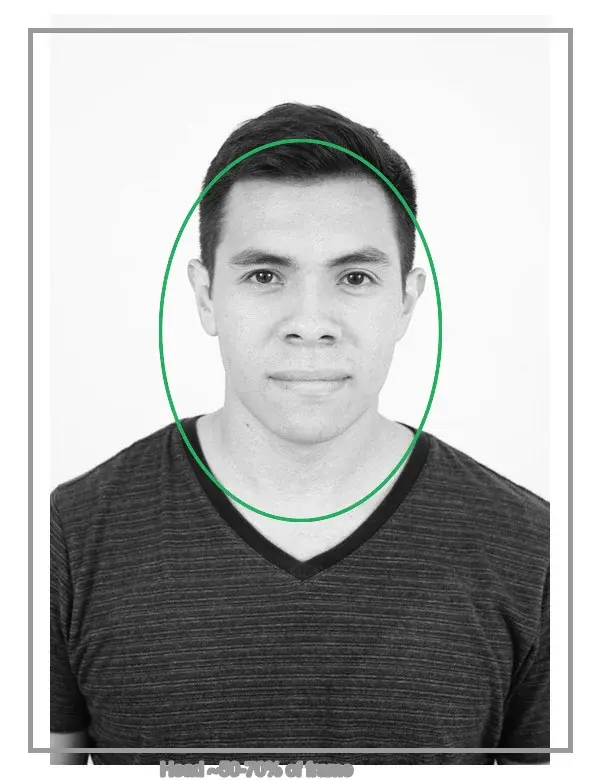
Make a passport or ID photo online at home: the composition rules (head size, background), the common country background requirements, and how to crop and export to spec.
2026-07-18
Restore old photos by scanning them correctly, fixing tears and fading, then using AI to rebuild lost detail. Real steps and settings that keep faces recognizable.
2026-07-13
Chain background removal, resize, and compression into one reusable pipeline. Compared against BatchTool, chaiNNer, and Photoshop Actions.
2026-07-12
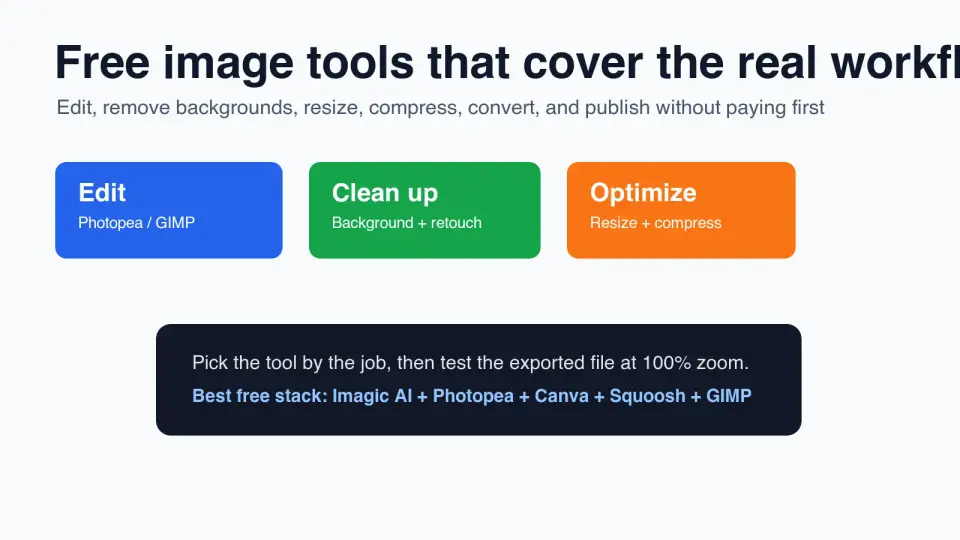
Compare 10 free image tools for editing, resizing, compression, background removal, design, and exports, with a practical workflow.
2026-07-12
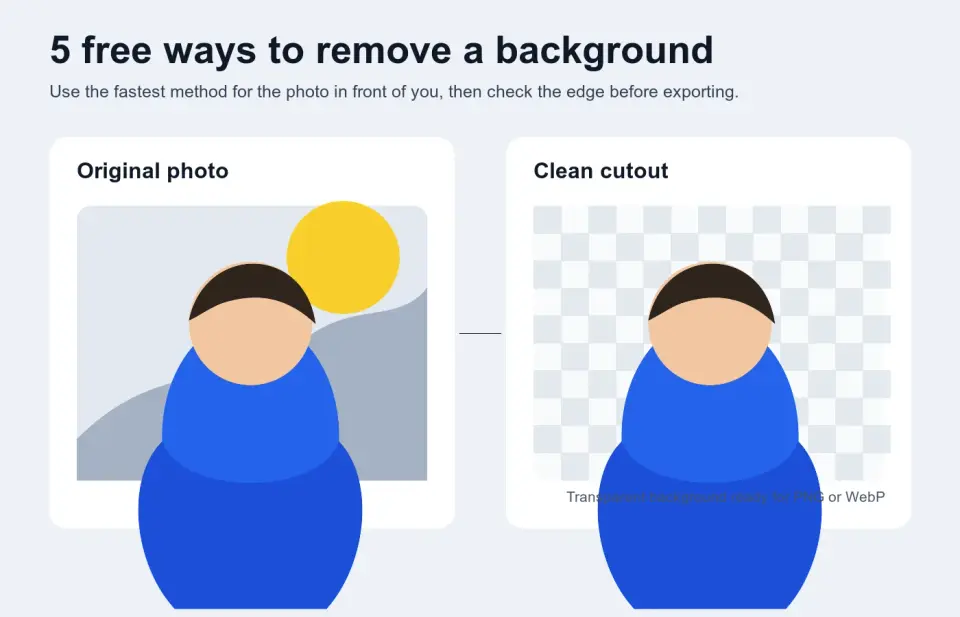
Compare five free ways to remove an image background, when each one fits, how to avoid halos, and which transparent export format to use.
2026-07-12
A practical look at Adobe Firefly: generative fill in Photoshop, text to image, the commercially safe model, how credits work, and how it compares.
2026-07-12
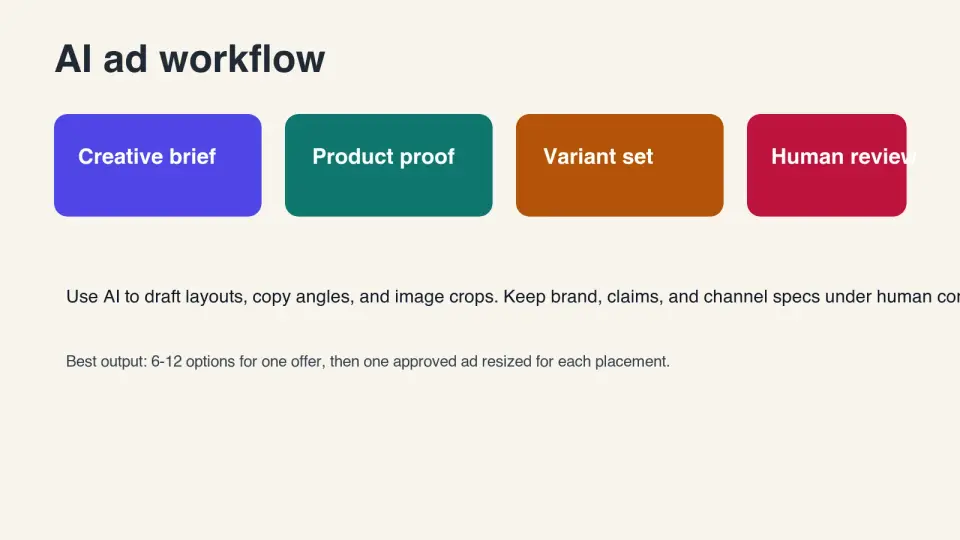
A practical AI ad generator workflow for small teams: write better prompts, review claims, export channel sizes, and avoid weak ad variants.
2026-07-12
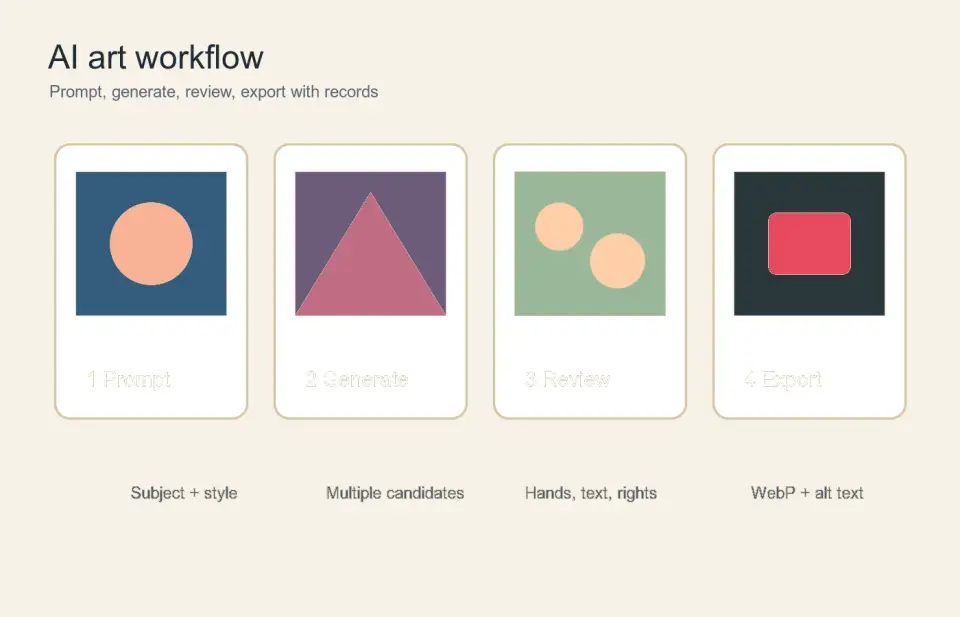
Use an AI art generator with a practical prompt workflow, review checklist, rights checks, and export steps for publishable images.
2026-07-12
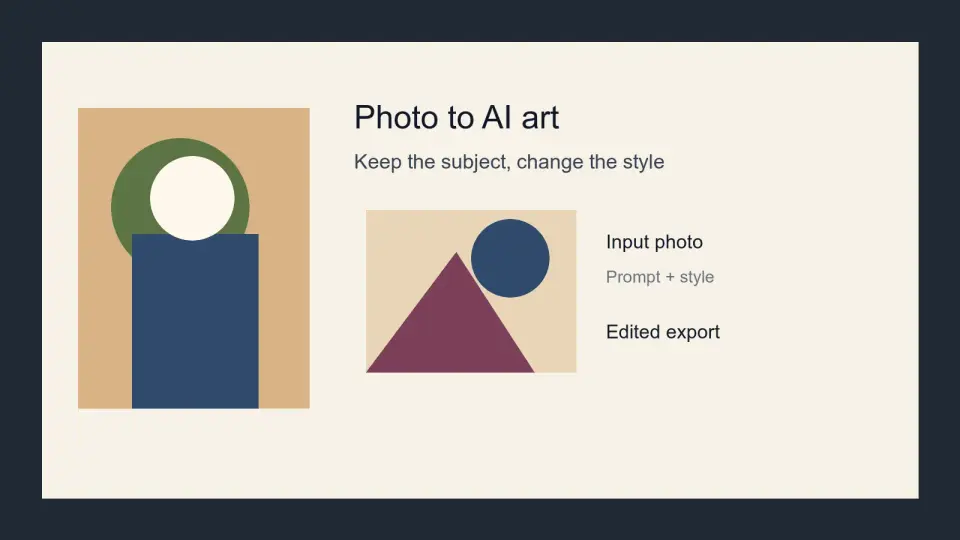
Turn a photo into AI art without losing the subject. Learn style choices, prompt rules, export checks, copyright cautions, and web publishing settings.
2026-07-12
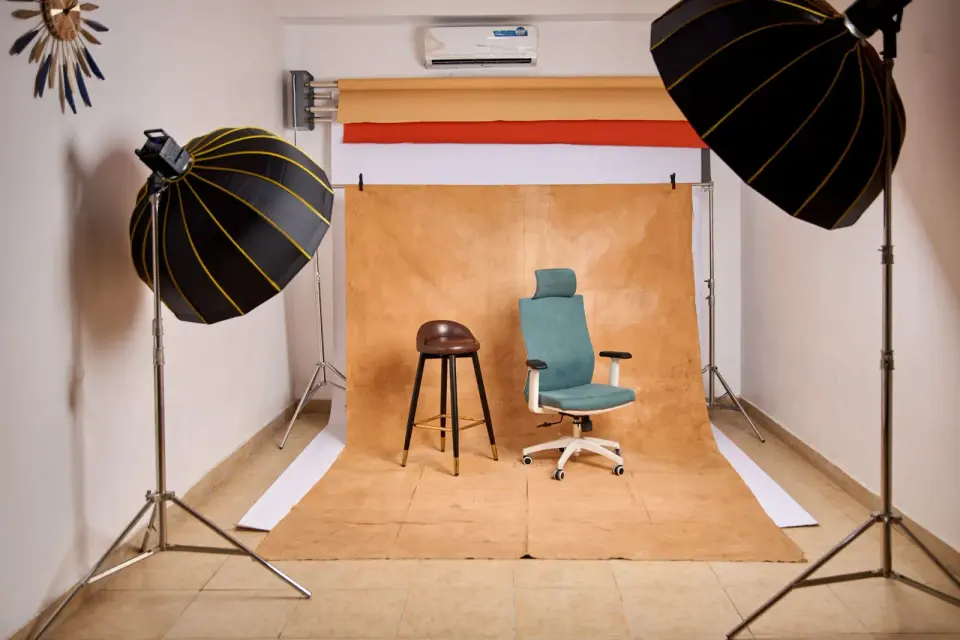
Use an AI background generator without making fake-looking product, portrait, or video-call images. Includes prompts, checks, sizes, and export rules.
2026-07-12
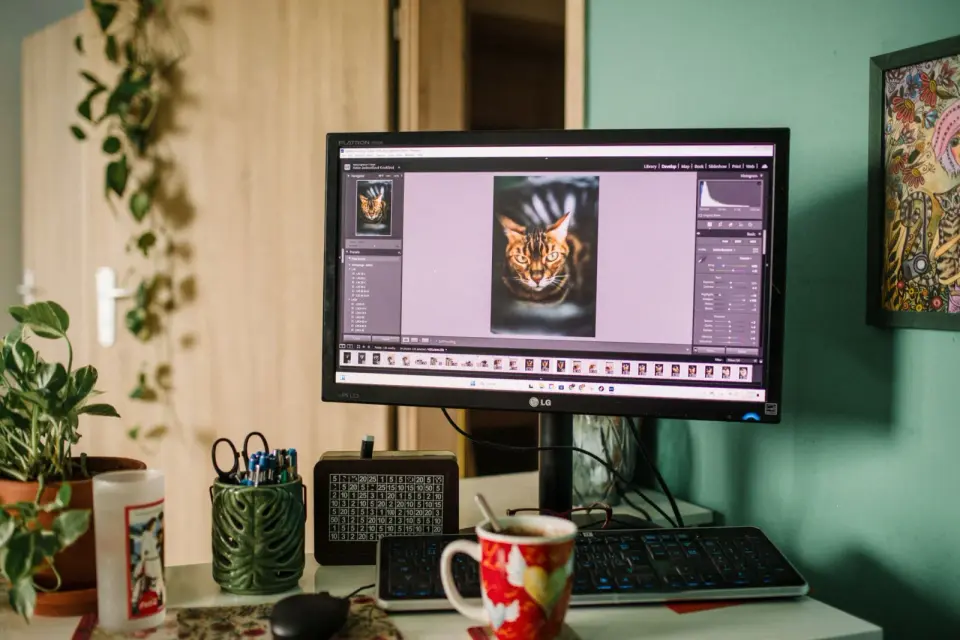
Compare AI image editing tools for 2026: what each does best for background removal, upscaling, generative fill, and photo restoration, plus the honest limits and cost.
2026-07-12
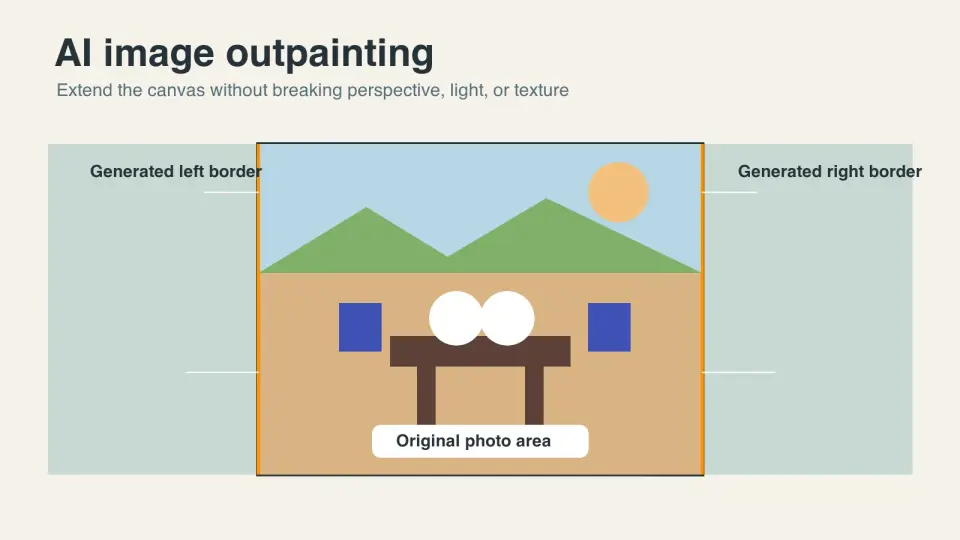
Learn when AI image outpainting works, how to set prompts and masks, clean up edges, choose aspect ratios, handle rights, and export final images.

2026-07-12
A practical AI image processing workflow for ecommerce: capture, background removal, color correction, resizing, compression, channel exports, and QA.