2026-07-12
Best Free Image Tools in 2026: Editing to Compression
A no-budget roundup of the best free image tools in 2026, grouped by job, with honest free-tier limits and a quick pick-by-task table for your website.
More image optimization, AI editing, and visual content SEO guides from Imagic AI. Page 7 of 13.
2026-07-12
A no-budget roundup of the best free image tools in 2026, grouped by job, with honest free-tier limits and a quick pick-by-task table for your website.
2026-07-12
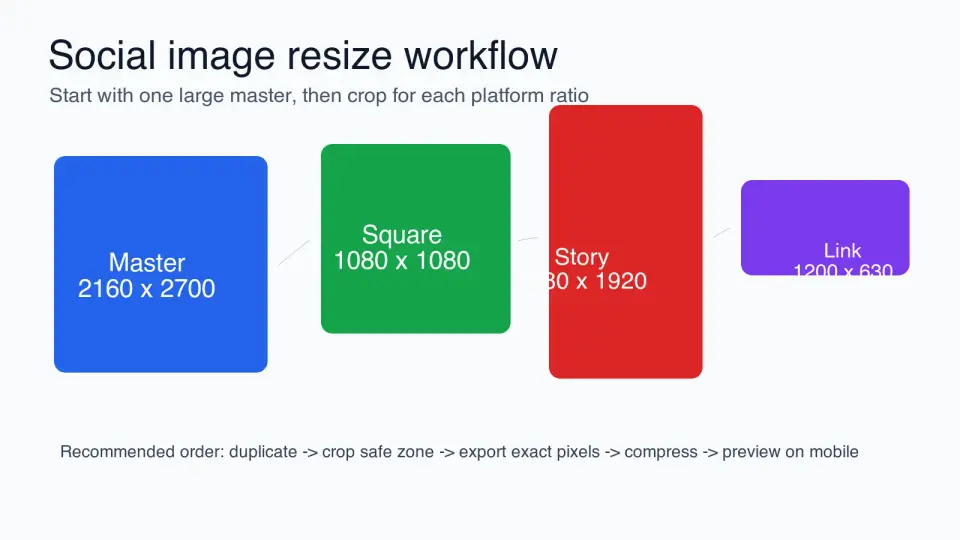
Resize social media images with the right ratios, crop safe zones, export sizes, compression settings, and a repeatable workflow for each platform.
2026-07-12
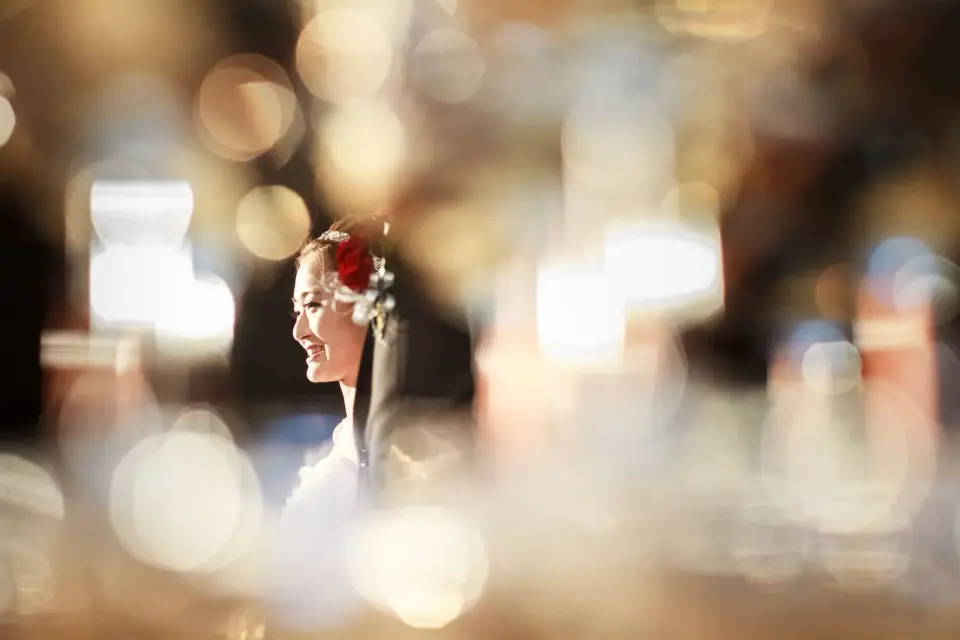
Blur the background of any photo for free. I tested phone portrait mode, optical depth of field, and AI blur across phones, cameras, and software. Here is what worked.
2026-07-12
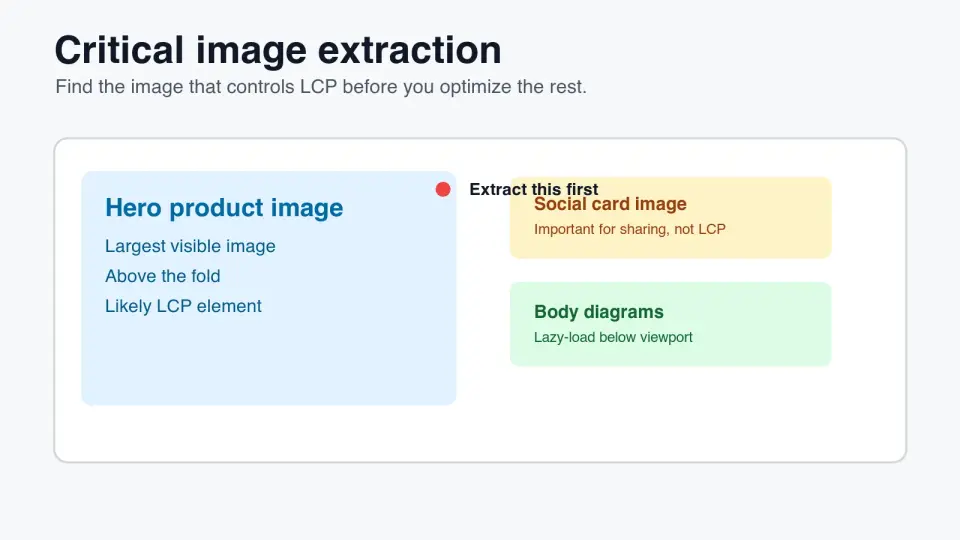
Find the critical image that drives LCP, preload only the right asset, avoid lazy-loading mistakes, and verify image priority in SEO tools.
2026-07-12
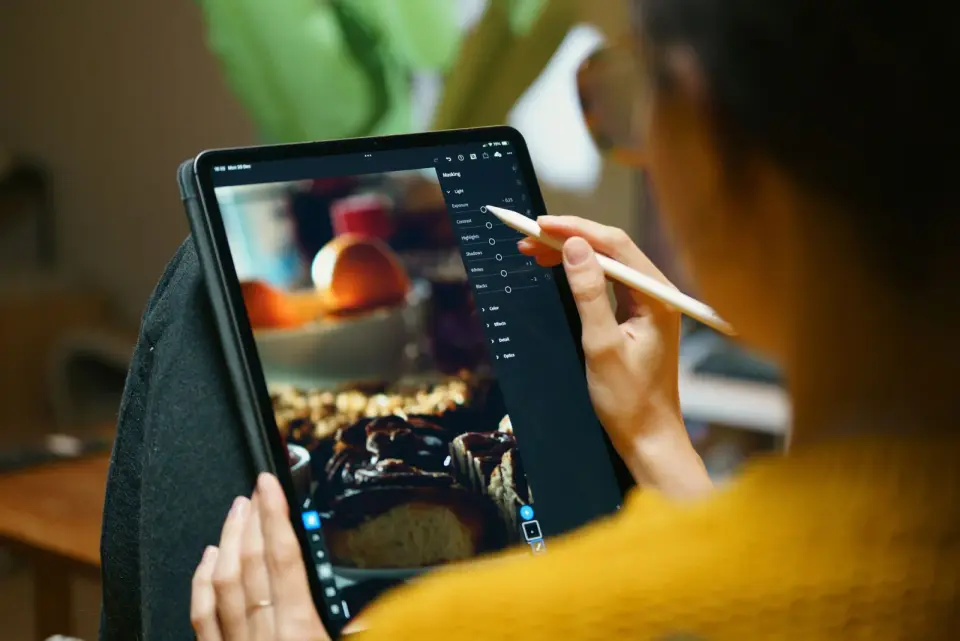
Crop an image online with the right aspect ratio for Instagram, YouTube, and print. I tested free croppers and batch tools so you get clean crops the first time.
2026-07-12
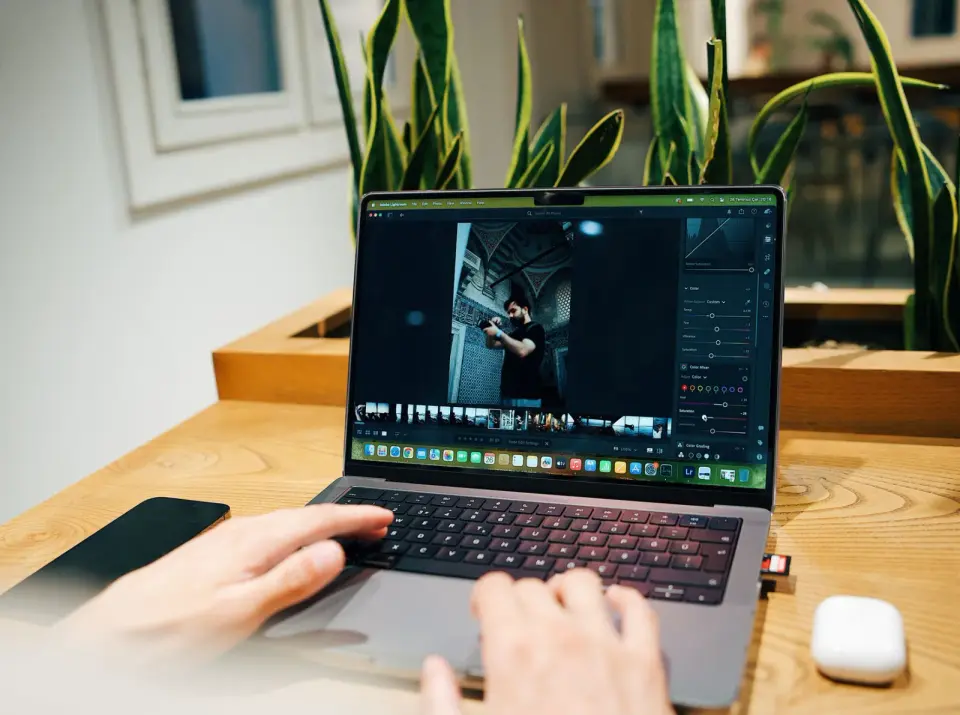
Consolidate compress, resize, convert, upscale, background removal, and 32 more image tasks into one free browser suite with a job-based decision table and workflow.
2026-07-12
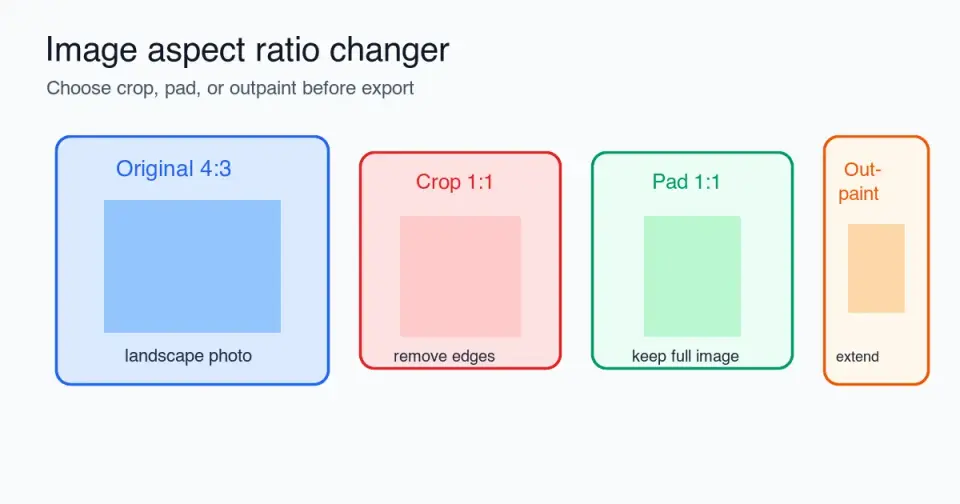
Change an image aspect ratio without stretching it: choose crop, pad, or outpaint, use platform ratios, check safe zones, and export clean files.
2026-07-12
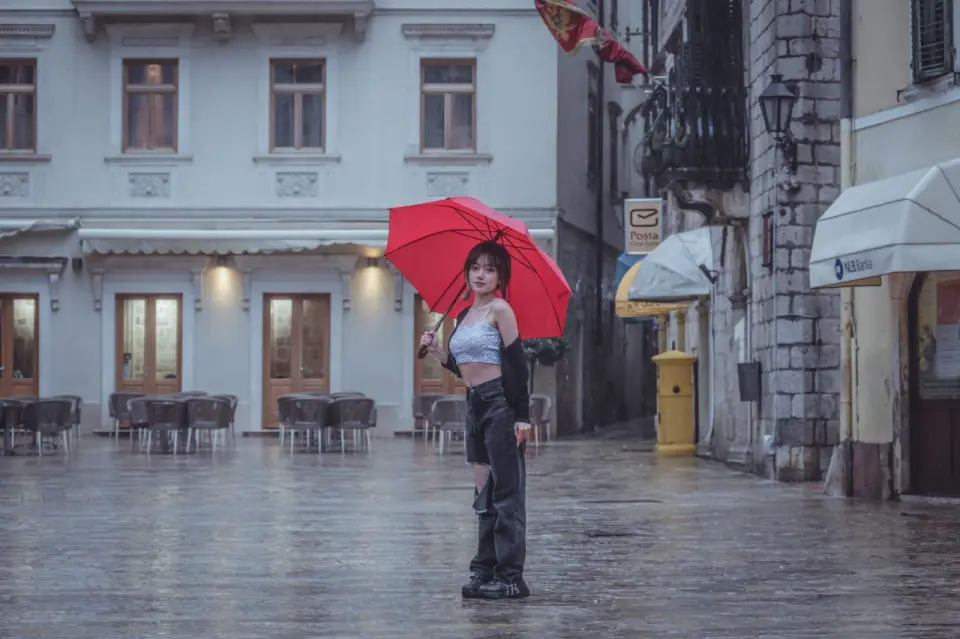
The color pop effect keeps one color sharp while the rest of the photo turns black and white. Learn masking in Photoshop, GIMP, and phone apps, and when it looks dated.
2026-07-12
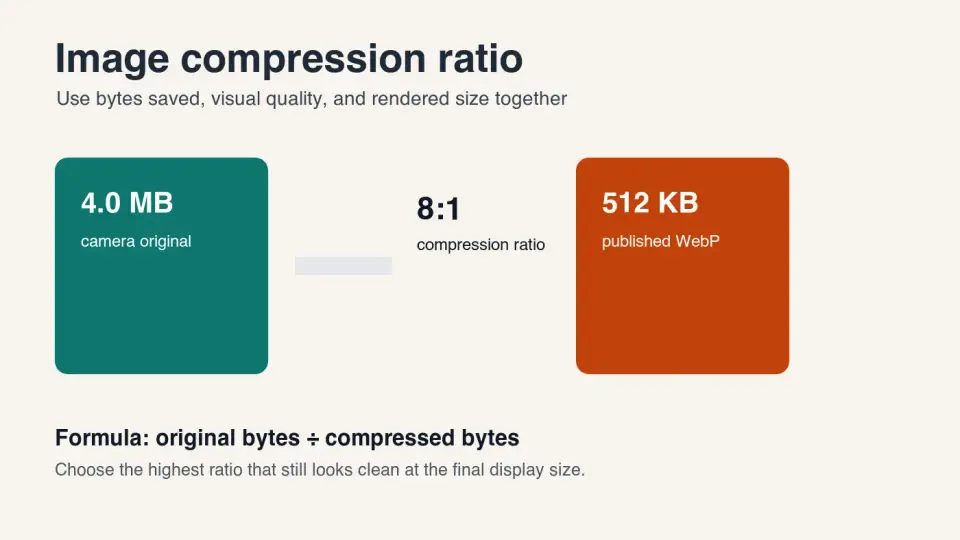
Learn how to calculate image compression ratio, choose practical WebP and JPEG quality settings, and avoid visible artifacts before publishing.
2026-07-12
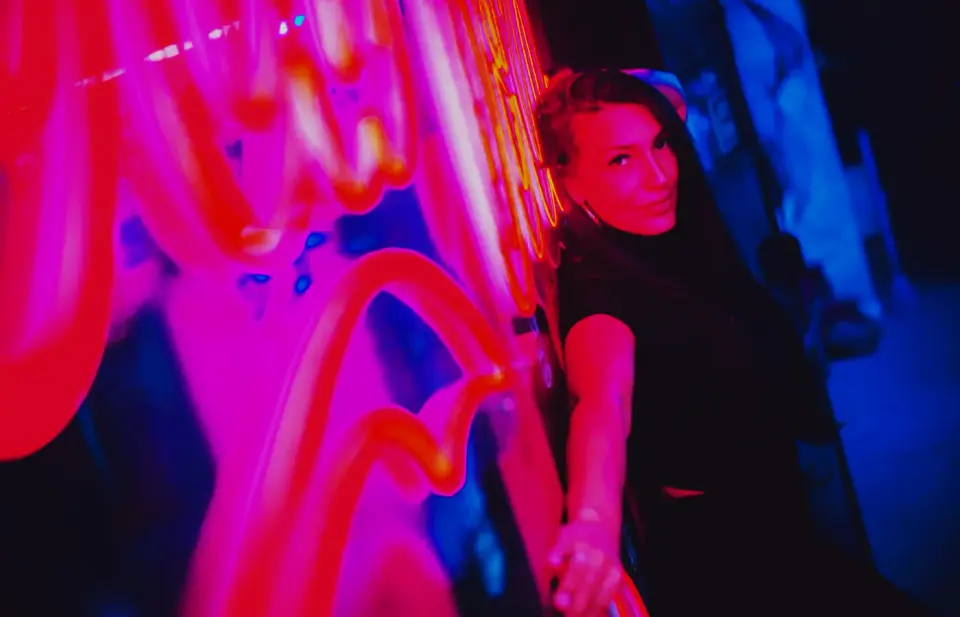
Learn what cross processing does to color, when to use it, and how to build a believable digital cross process effect without crushing skin tones.
2026-07-12
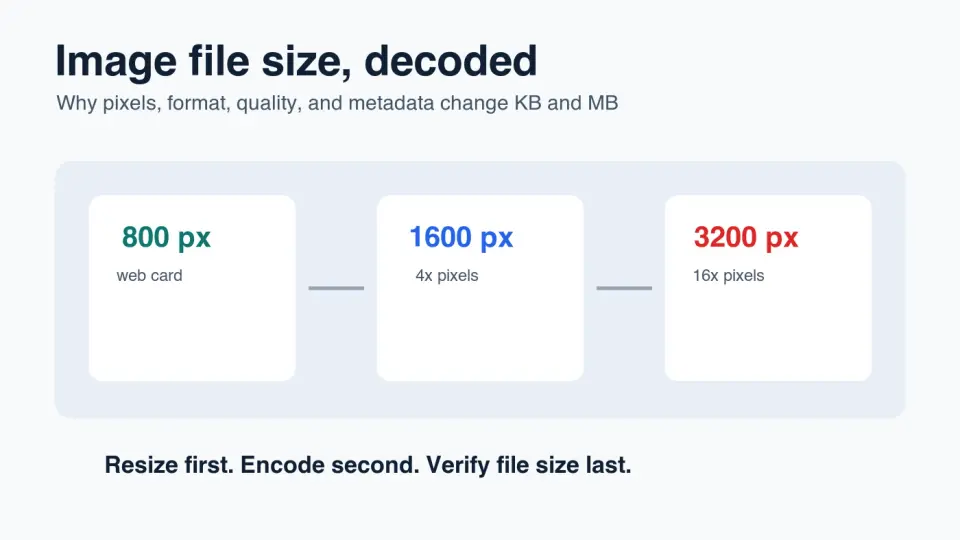
Learn why images become large, what affects KB and MB, and how to reduce image file size without making photos blurry or unusable.
2026-07-12
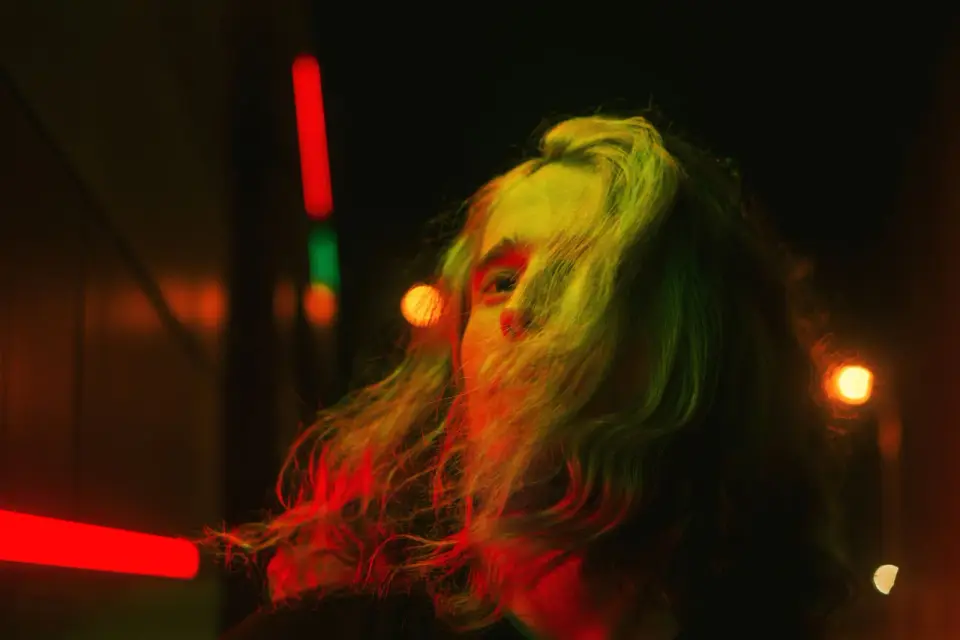
Learn how to add a neon glow effect that looks intentional: pick the right photo, set glow color and radius, mask edges, and export clean WebP files.
2026-07-12
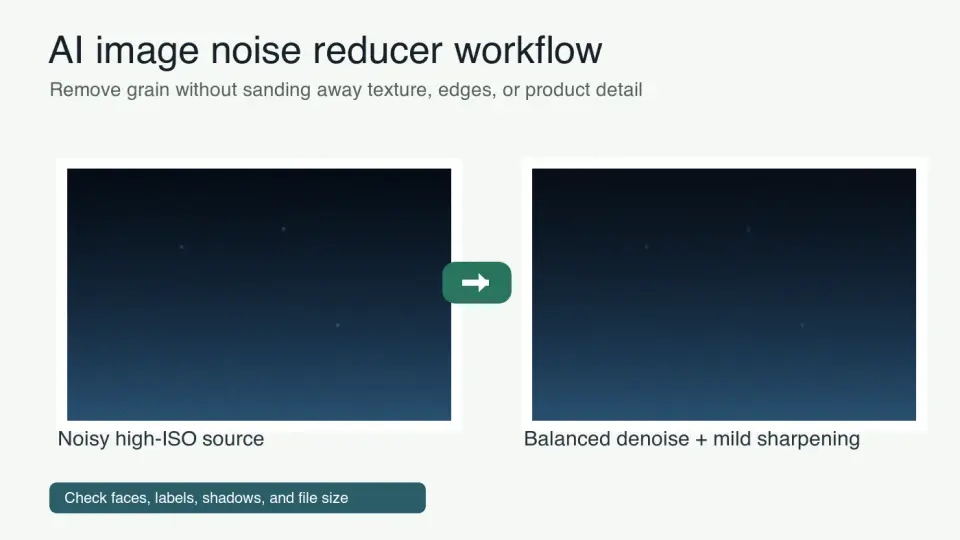
Learn how to reduce image noise with AI, choose safe denoise strength, inspect artifacts, and export clean WebP photos for web publishing.
2026-07-12
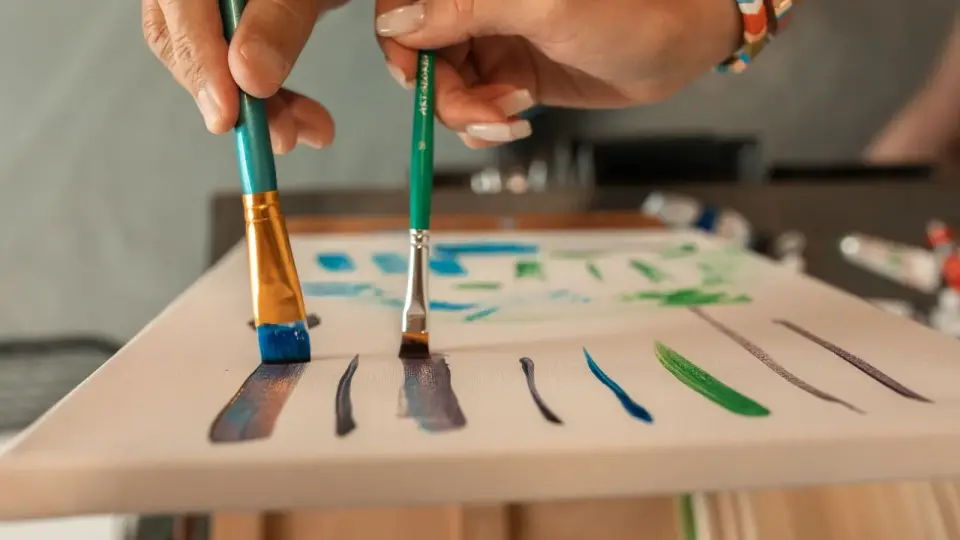
Turn a photo into a believable oil-painting style image with input selection, brush settings, face/detail cleanup, and web or print export choices.
2026-07-12
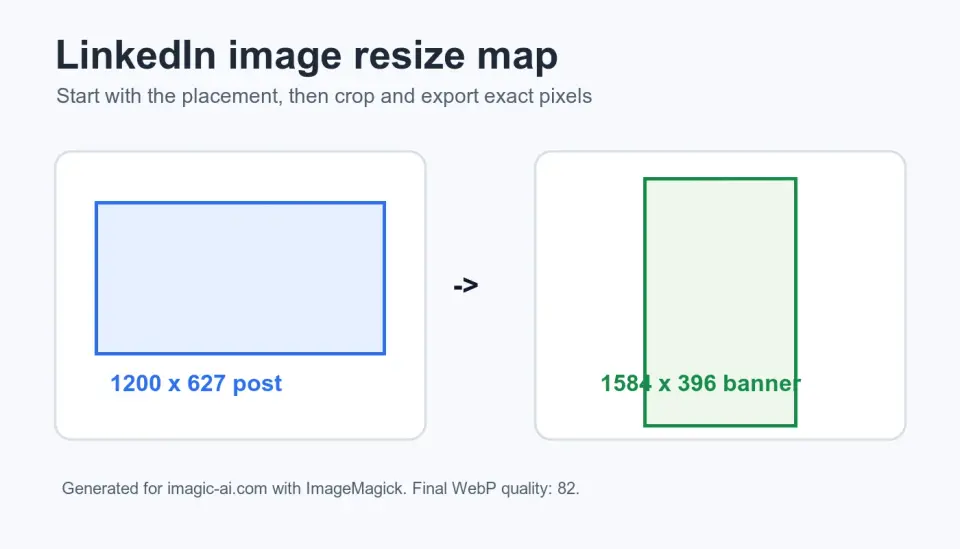
Resize LinkedIn images for posts, profiles, banners, and ads with exact dimensions, crop-safe guidance, tables, and a repeatable export checklist.
2026-07-12
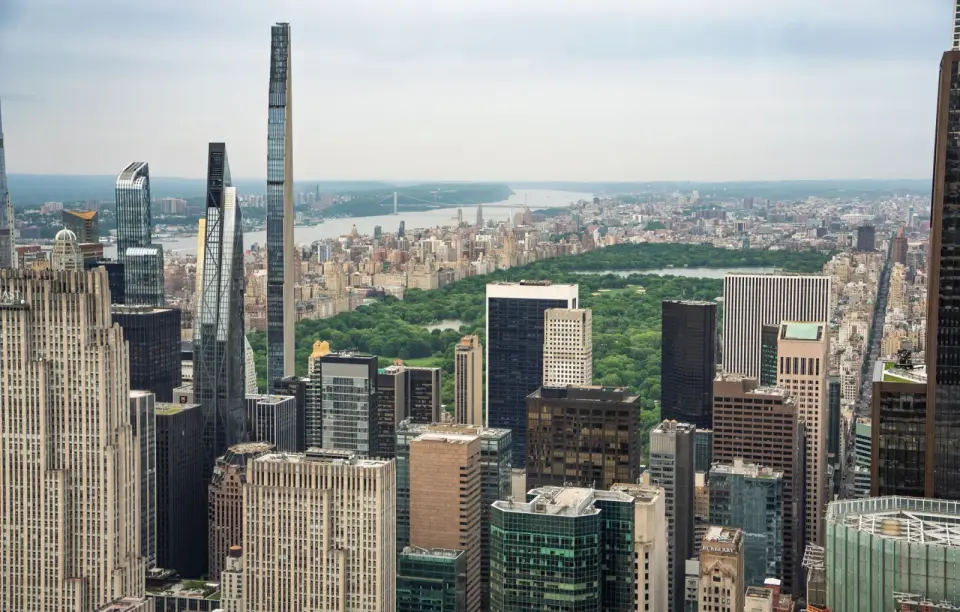
How the tilt-shift effect turns real aerial and street scenes into tiny fake-miniature models. Optical lenses vs software blur, when it works, and how to apply it.
2026-07-12
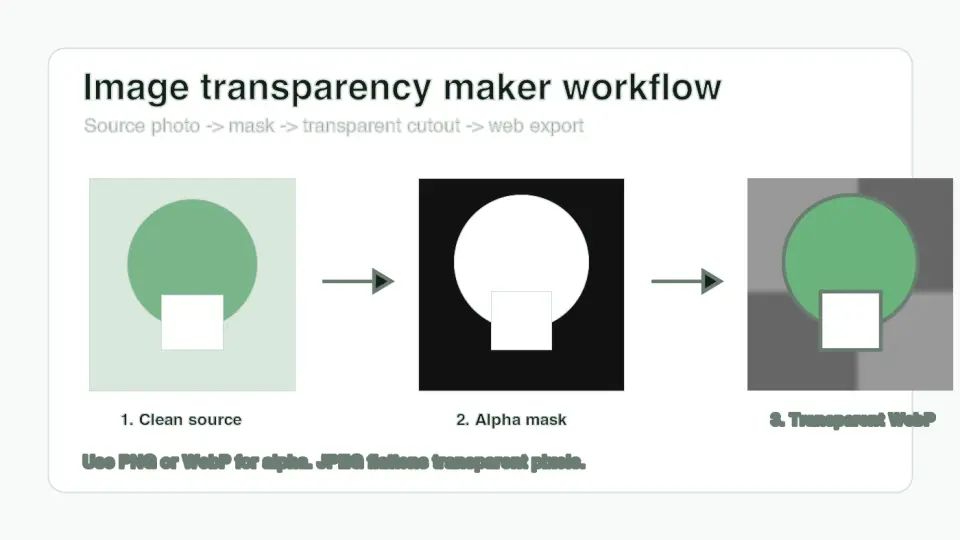
Learn how to make an image transparent, choose PNG or WebP, inspect alpha edges, and publish clean cutouts for shops, ads, and websites.
2026-07-12
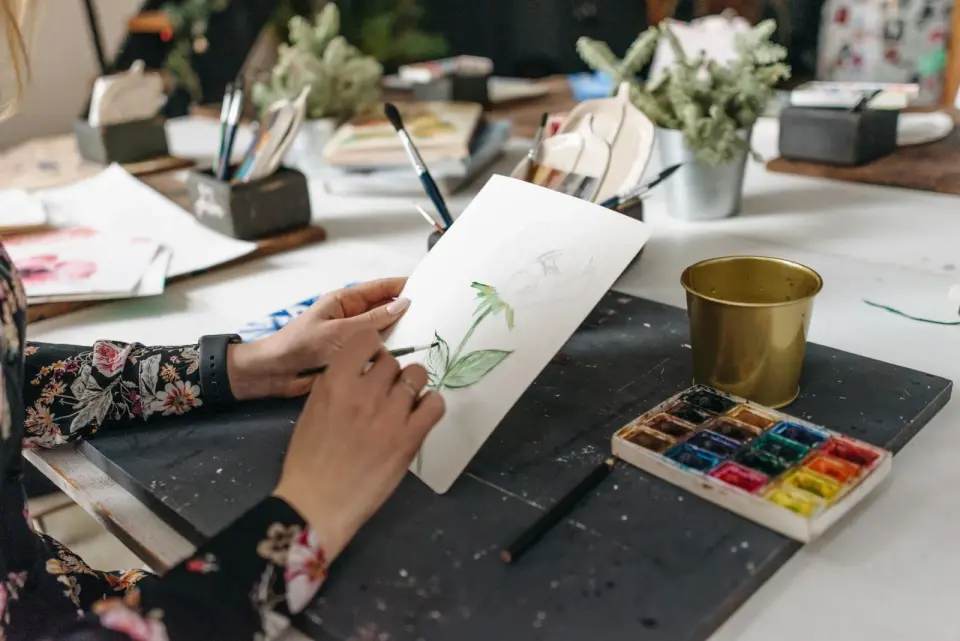
Turn a photo into a watercolor-style image with practical subject choices, wash texture settings, color controls, and export tips for web or print.