2026-06-30
AI Image Editing Workflow: Retouch, Restore, and Resize Photos
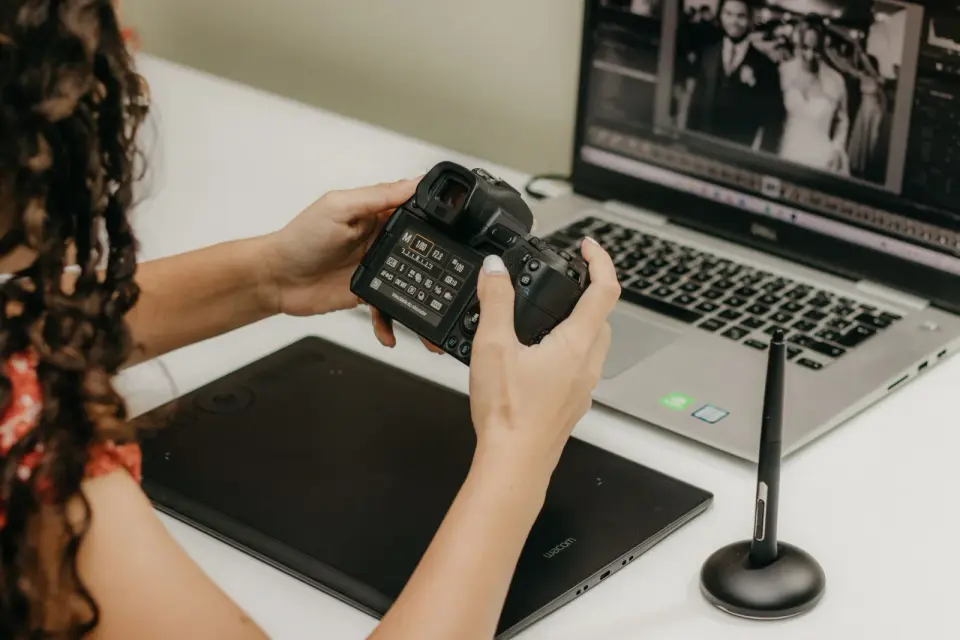
A practical AI image editing workflow for 2026: cleanup, generative fill, background removal, and upscaling, with honest rules for when to use AI or edit by hand.
More image optimization, AI editing, and visual content SEO guides from Imagic AI. Page 11 of 13.
2026-06-30
A practical AI image editing workflow for 2026: cleanup, generative fill, background removal, and upscaling, with honest rules for when to use AI or edit by hand.

2026-06-30
AI product photo generators cut a product out, place it on pure white, and compress it to WebP. See when AI works and when Amazon or Google need a real photo.
2026-06-30
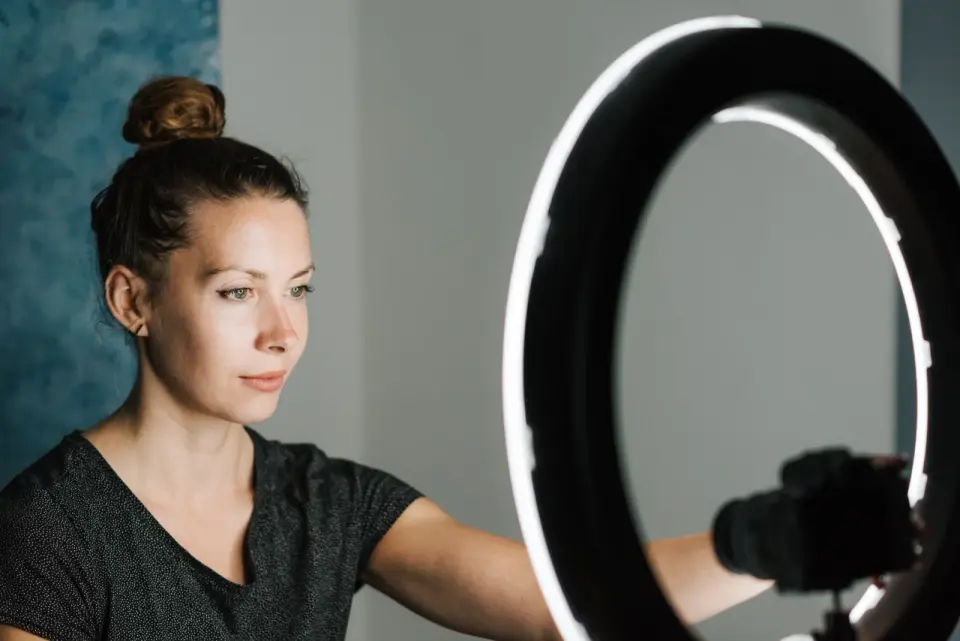
Hooks, captions, b-roll, and repurposing: the AI workflow I use to ship Reels, TikToks, and Shorts each week, with the tools, limits, and what to skip.
2026-06-30
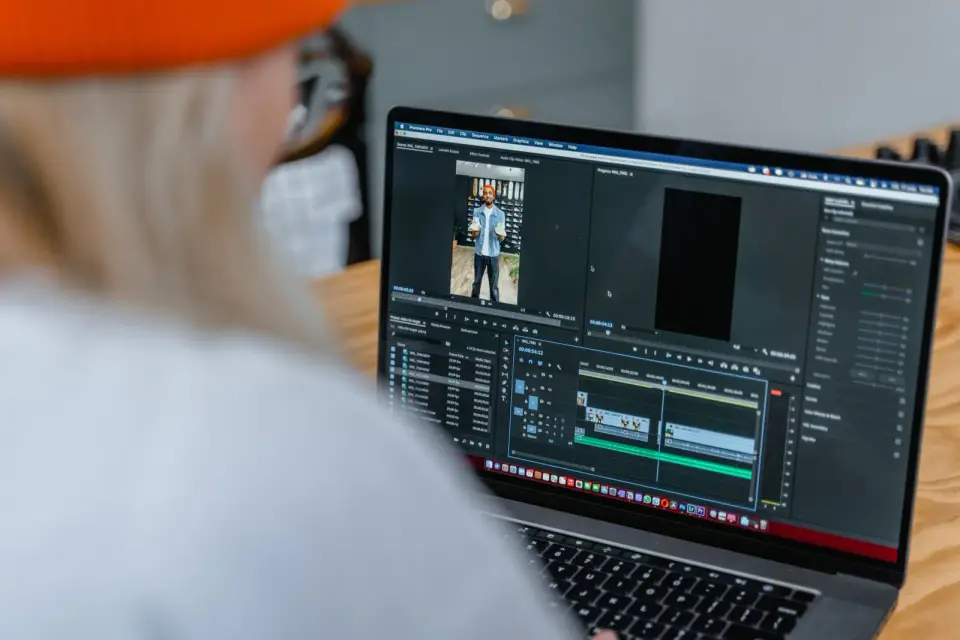
AI video editing in 2026: the hands-on workflow for auto-cut, captions, denoise, color grading, and b-roll. Where AI helps, and where you still cut by hand.
2026-06-30
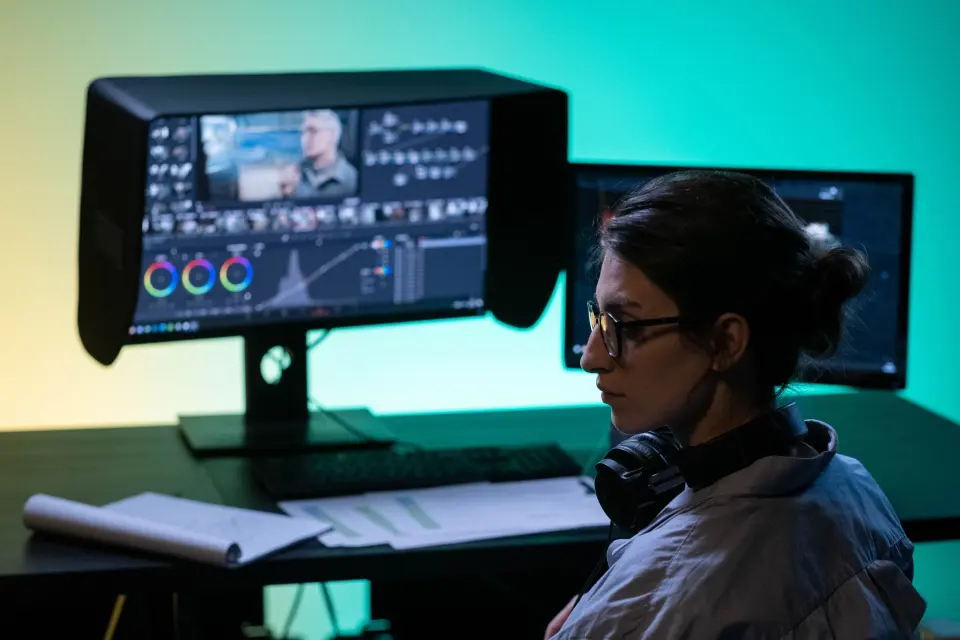
A working guide to AI video effects for editors and creators: automatic VFX, style transfer, background keying, motion tracking, and generative cleanup.
2026-06-30
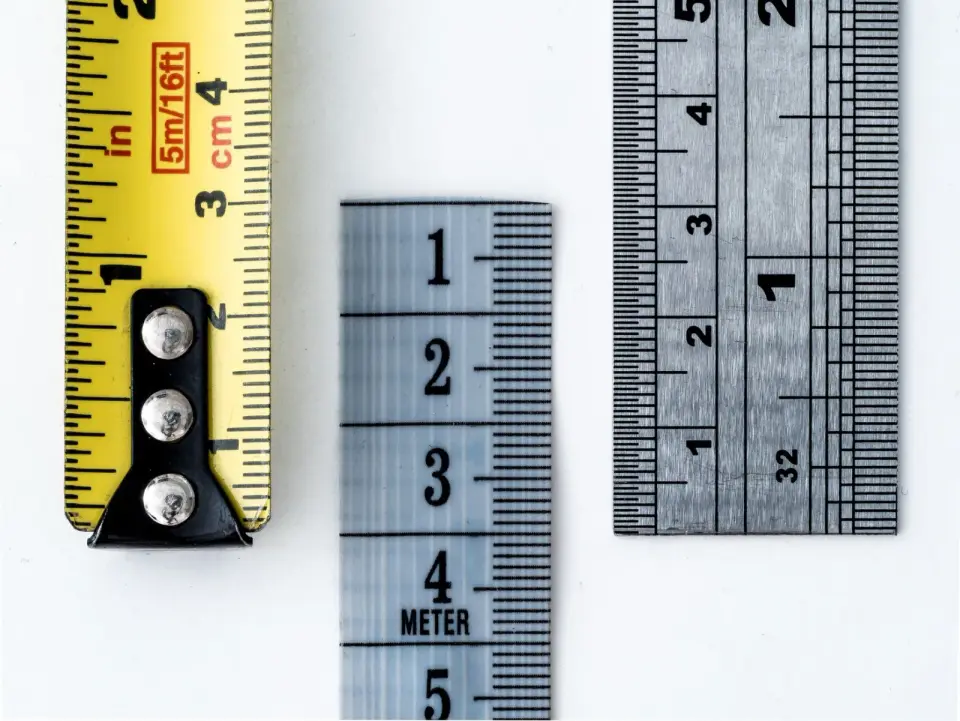
Find an image's exact pixel dimensions, file size in KB or MB, DPI, and format. Methods for Windows, Mac, iPhone, Android, and online, plus what each value means.
2026-06-30
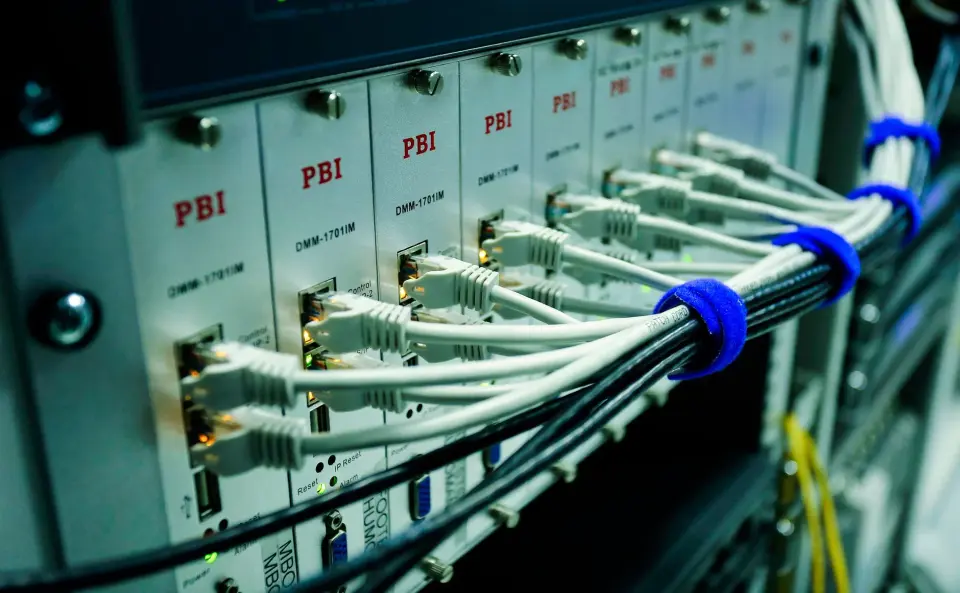
Add MCP servers to Claude Code with claude mcp add. Compare local stdio and remote HTTP/SSE transports, set scopes, connect GitHub, and avoid risky servers.
2026-06-30
Claude Code subagents run parallel, scoped tasks like a small team. I cover dispatching and orchestrating them, when they beat one session, and when they add overhead.
2026-06-30
A fair, hands-on look at Claude Code versus Cursor in 2026: terminal agent vs AI IDE, autonomy, autocomplete, multi-file refactors, MCP, and which to pick.
2026-06-30
Claude Code is an autonomous terminal coding agent and GitHub Copilot is an in-IDE assistant. An honest 2026 look at where each AI coding tool wins.
2026-06-30
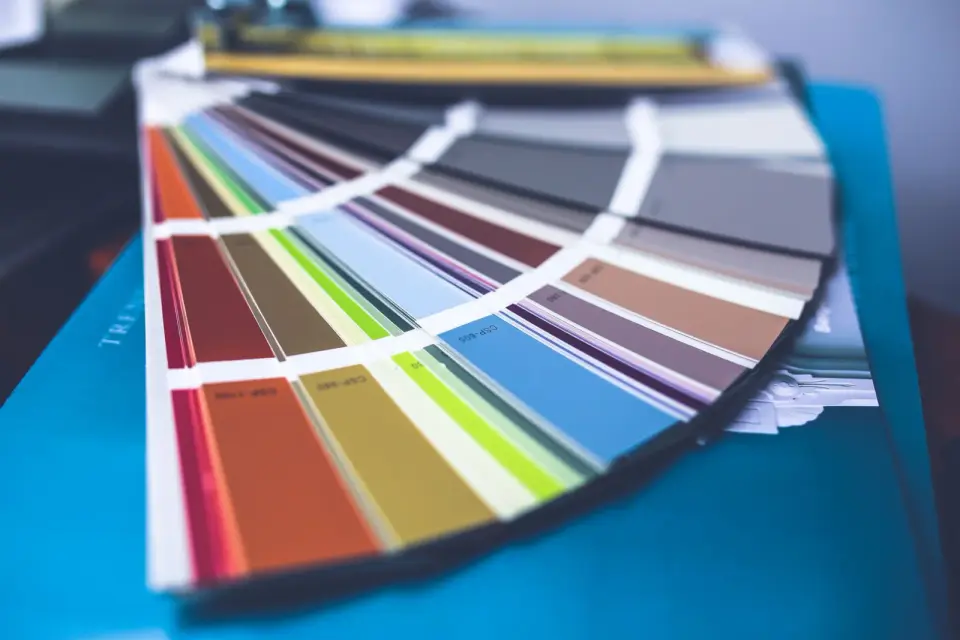
Extract dominant colors from any image and turn them into a usable design palette. Real methods, the 60-30-10 rule, contrast checks, and tools that speed it up.

2026-06-30
I managed product photography for a 1,200-SKU store. This is the catalog workflow that kept shots consistent, passed compliance, and lifted conversion.
2026-06-30
Answers to the most common questions about free image tools: file formats, compression quality, privacy, batch processing, and the problems that come up most often.

2026-06-30
Honest 2026 comparison of free image editors: GIMP, Photopea, Paint.NET and browser tools, with real limits and pick-by-task advice.
2026-06-30
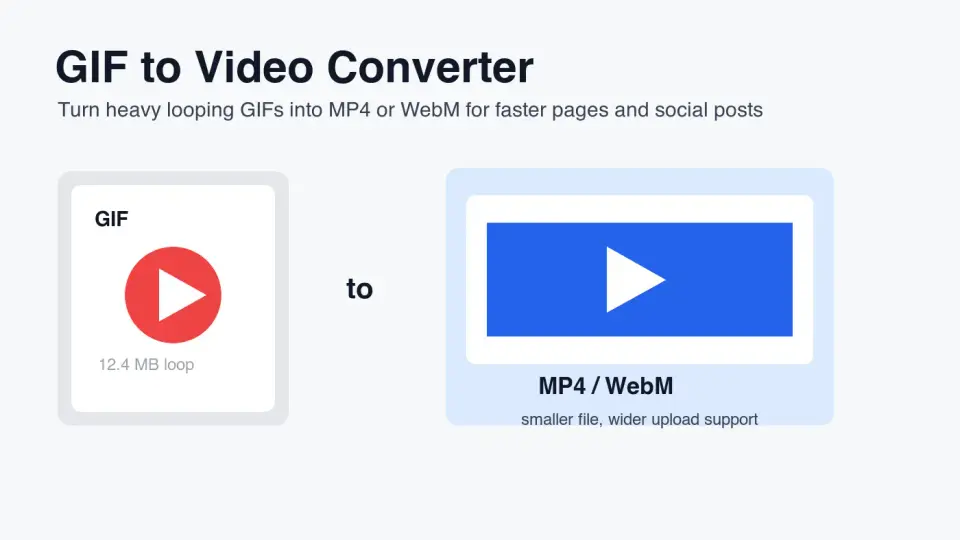
Convert animated GIFs to MP4 or WebM without fuzzy loops, autoplay surprises, or oversized page assets. Includes settings, checks, and platform guidance.
2026-06-30
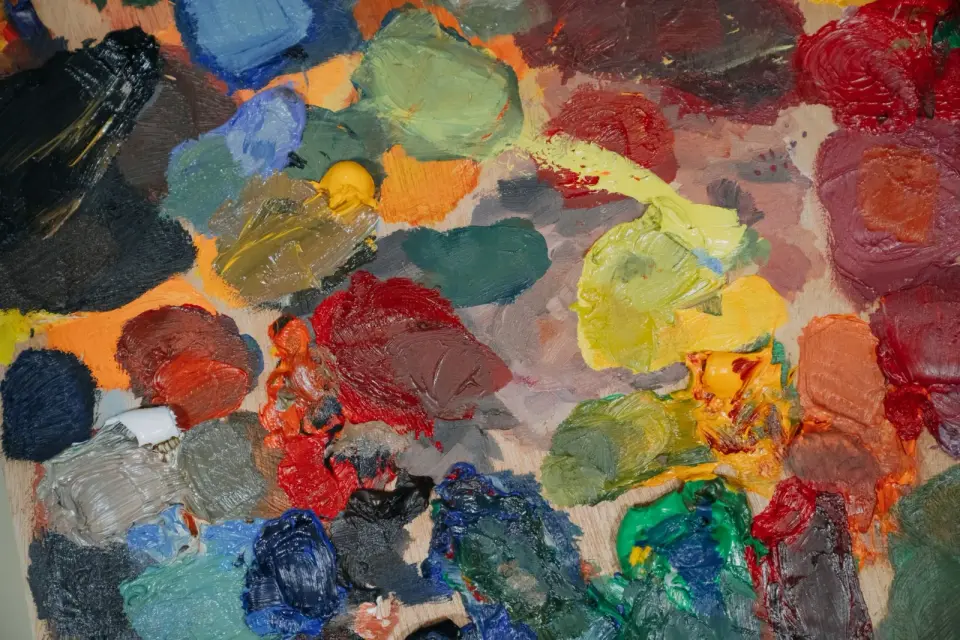
Use blend modes to combine image layers for compositing, double exposure, and texture effects. Real explanations of multiply, screen, and overlay, and when each works.
2026-06-30
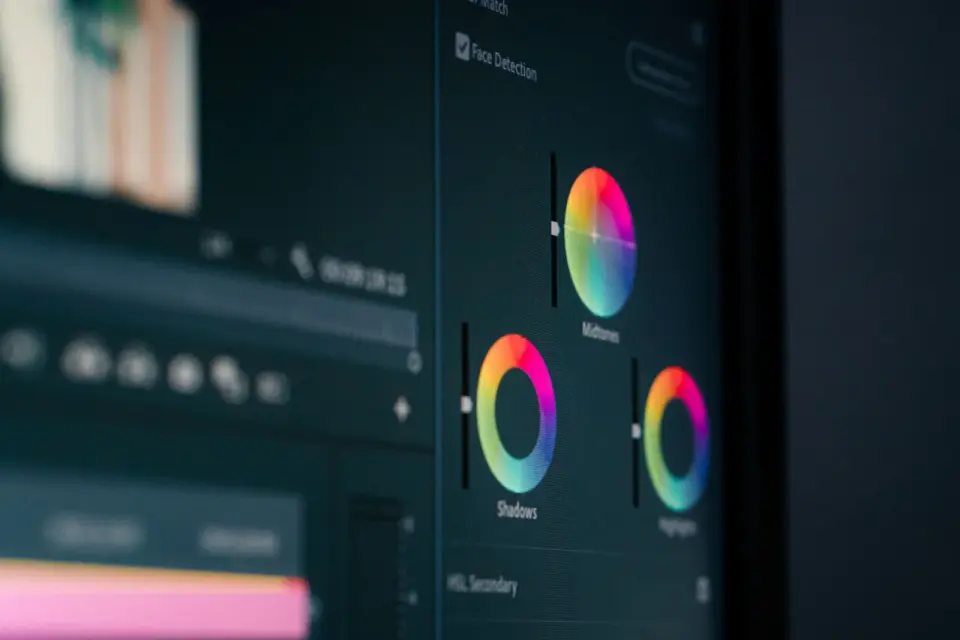
Choose the right color mode for every image: RGB for screens, CMYK for print, grayscale for tone. Real guidance on when each mode wins and how to convert safely.
2026-06-30
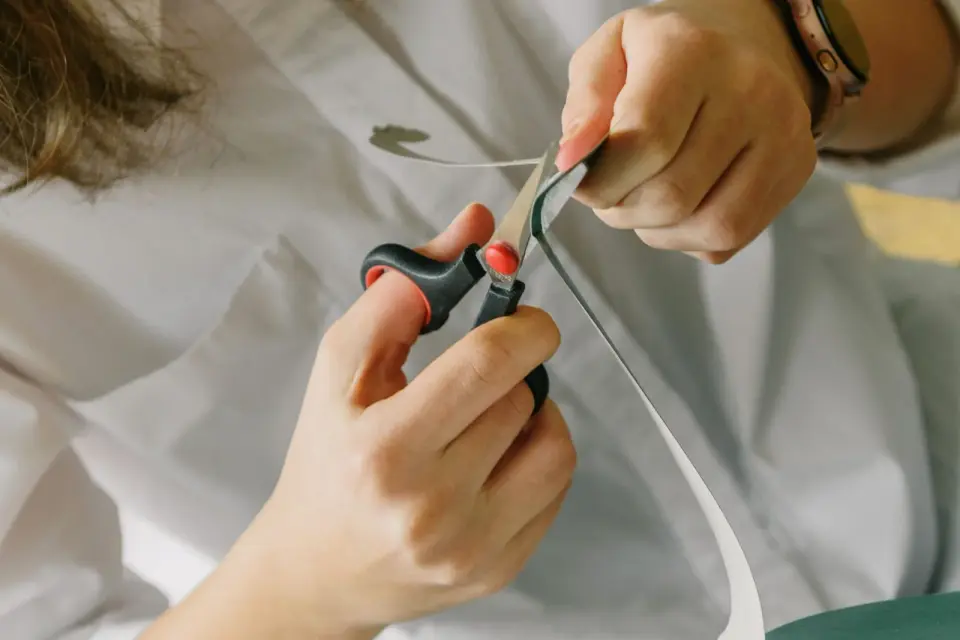
Crop images for the right aspect ratio without distorting the subject. Real crop ratios for each platform, composition rules, and tools that crop without quality loss.