2026-07-10
Image to Favicon: Create Website Icons From Any Image
Convert any image into a favicon for your website: ICO, PNG, SVG, and Apple Touch icon sizes. Real steps, the sizes each platform expects, and staying sharp at 16px.
More image optimization, AI editing, and visual content SEO guides from Imagic AI. Page 10 of 13.
2026-07-10
Convert any image into a favicon for your website: ICO, PNG, SVG, and Apple Touch icon sizes. Real steps, the sizes each platform expects, and staying sharp at 16px.
2026-07-10
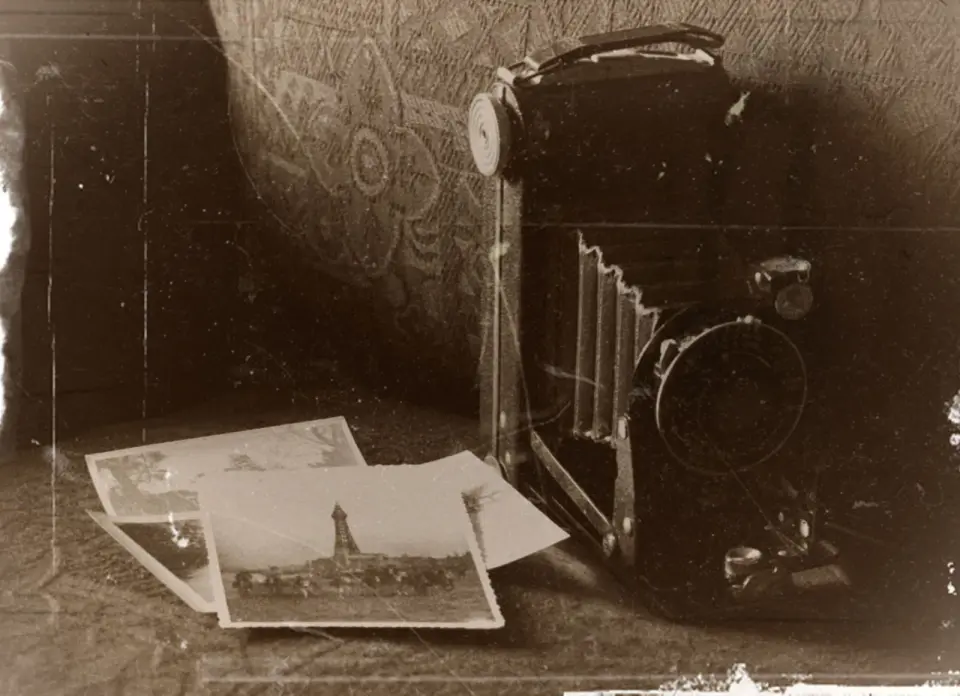
Add a vintage filter to photos using free online tools. Learn sepia, faded film, and Polaroid looks plus exact settings and export steps that keep quality.
2026-07-10
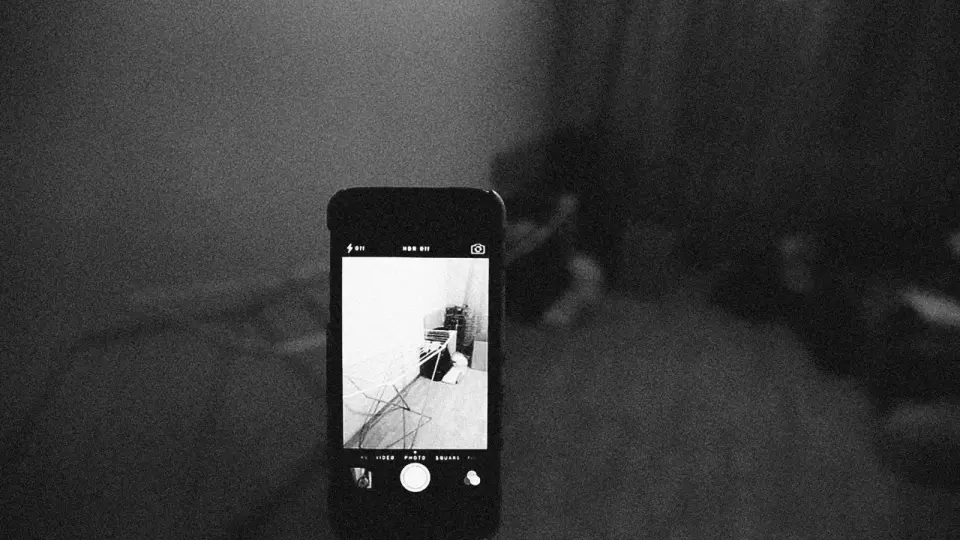
Reduce noise and grain in photos while keeping edges and detail sharp. Real settings for luminance and color noise, when AI denoise wins, and the shots it ruins.
2026-07-10
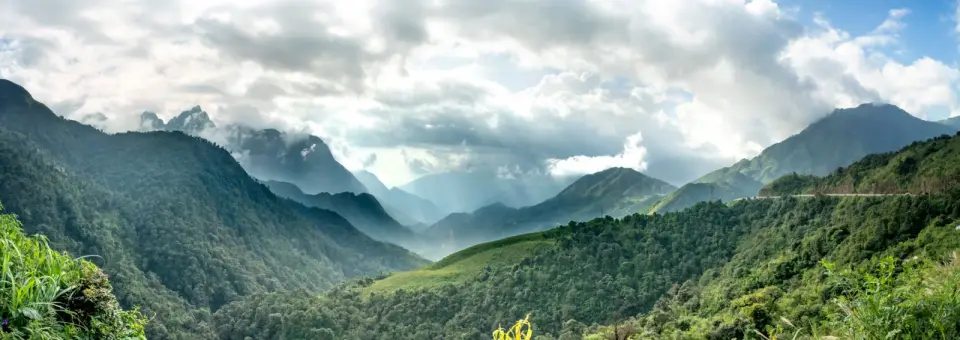
Stitch overlapping photos into a seamless panorama. Shooting overlap, nodal-point alignment, and software fixes for seams, ghosting, and warped horizons.
2026-07-10
Convert SVG vector files to PNG at the exact pixel size you need. Real resolution choices, when rasterizing loses scalability, and how to export sharp PNGs from SVGs.
2026-07-10
SVG and PNG are different formats. Learn when to convert and when to keep SVG, how rasterization fixes your output size, and the exact commands to export clean PNGs.
2026-07-04
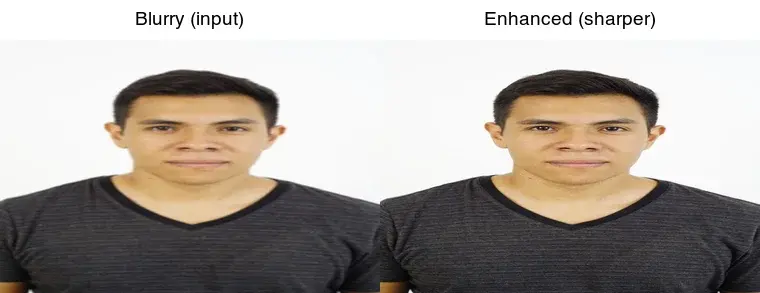
AI photo enhancement tools compared by what they fix (blur, noise, low resolution), their honest limits, and where each fits, with the correct workflow order.
2026-07-04
An honest comparison of free image tools: where each one wins on speed, quality, and price. Real differences between Imagic AI, TinyPNG, Squoosh, Remove.bg, and Topaz.
2026-07-04
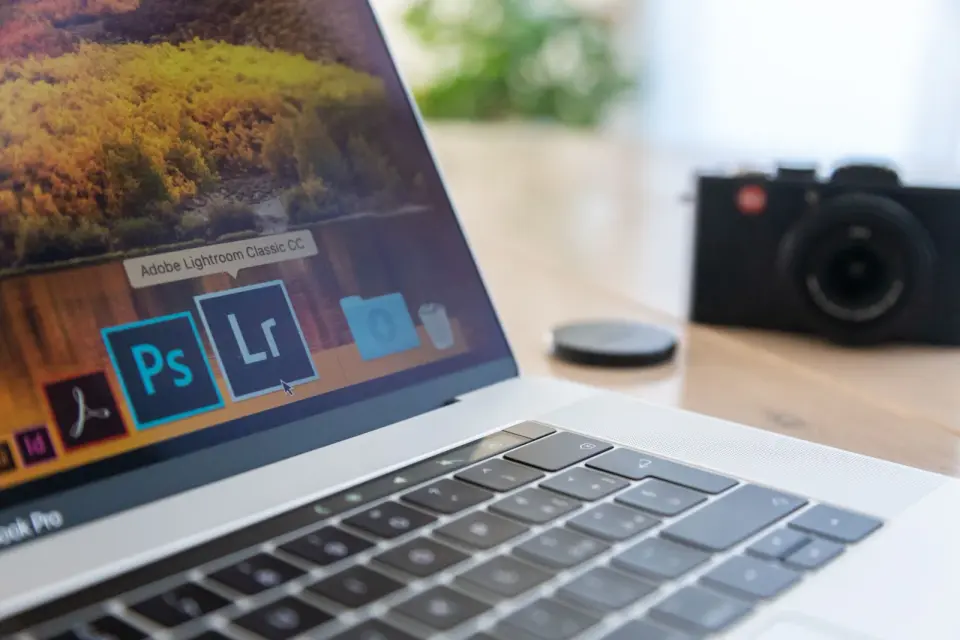
Convert camera RAW files (.CR3, .NEF, .ARW, .RAF, .DNG) to JPG with Lightroom, Darktable, RawTherapee, or a Python script. Covers export settings for web and print.
2026-07-04
Pick free image editing software that handles your workflow. Honest comparison of desktop editors, online tools, and mobile apps, and where each falls short.
2026-07-04
Replace Photoshop with free tools that match your actual workflow. Honest comparison of GIMP, Photopea, Krita, and browser editors, with the strengths and limits of each.
2026-07-04
Erase people, power lines, text, and clutter from photos with free AI tools. Real steps, when object removal works, and how to fix the smudges it leaves behind.
2026-07-04
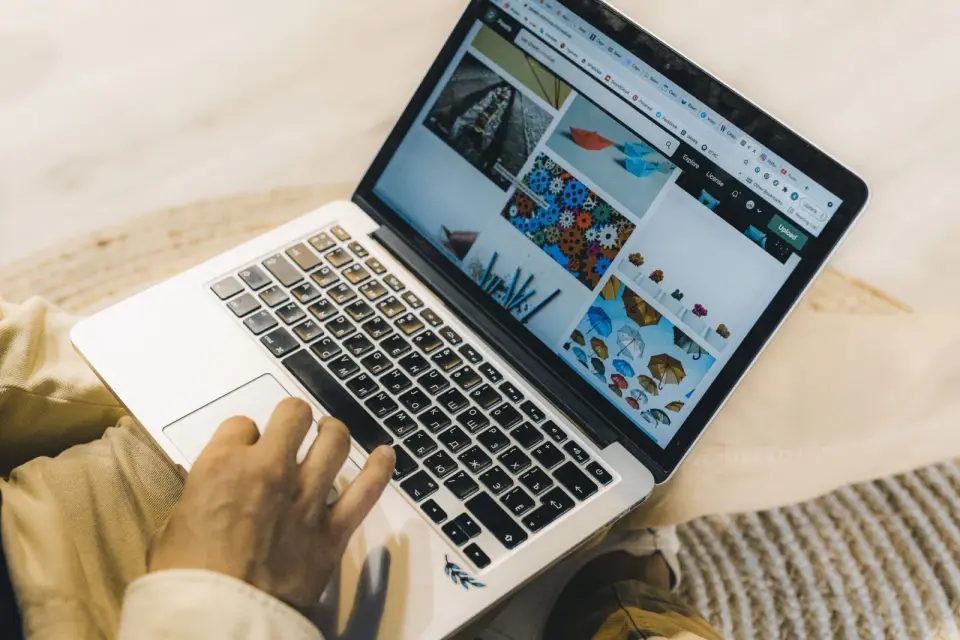
Resize images for the web by matching the display slot, doubling width for retina, serving WebP srcset variants, and compressing under 200KB. The measured workflow.
2026-07-04
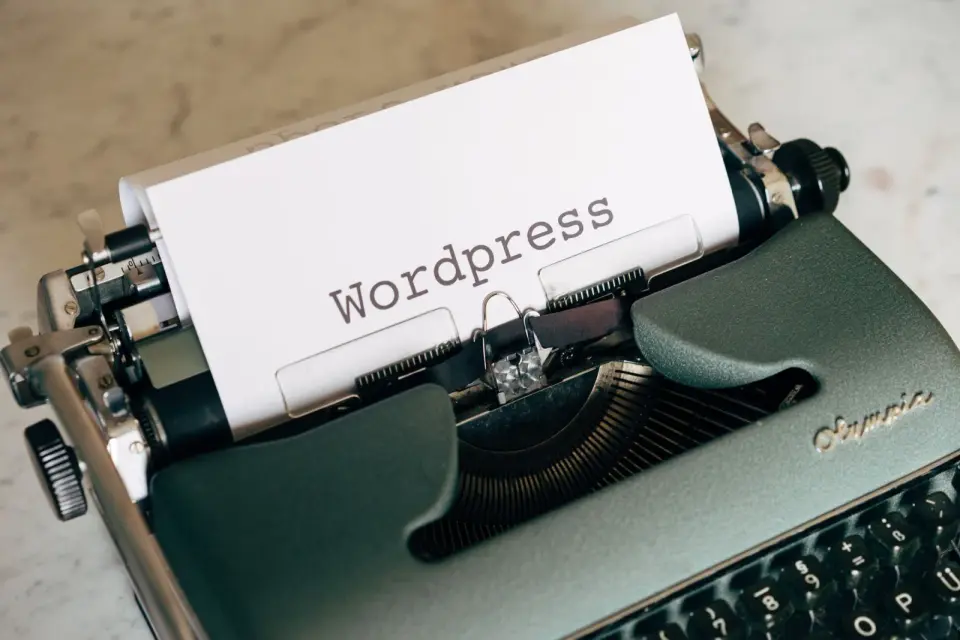
WordPress images cause most slow page speeds. After optimizing 100+ sites, I share the WebP, lazy-load, CDN, and plugin settings that moved my LCP in 2026.
2026-07-04
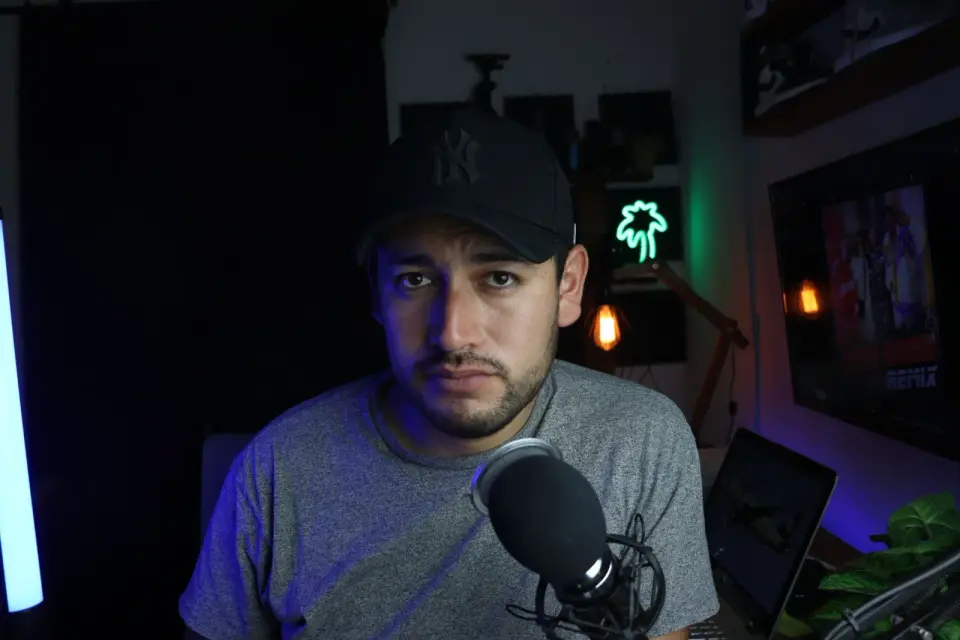
The exact YouTube thumbnail size (1280x720, 2 MB, 16:9) plus the design choices that raise click-through: subject size, contrast, and text legibility.
2026-06-30
An honest overview of our free image tools: compressor, converter, resizer, cropper, upscaler, and background remover. What each is for, how it works, and the limits.
2026-06-30
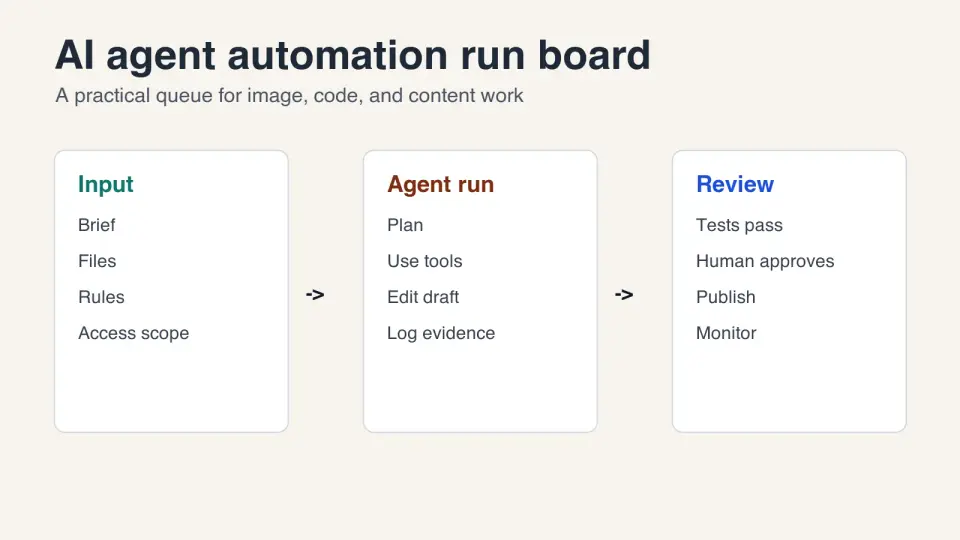
Learn when to automate work with AI agents, how to design safe workflows, where to add human approvals, and how to measure agent output.
2026-06-30
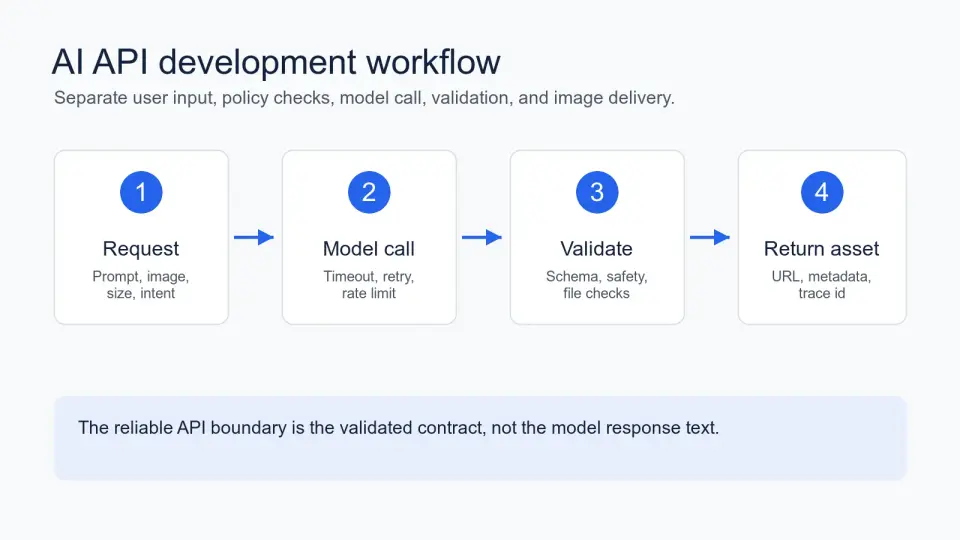
Build a reliable AI image API with request schemas, retries, validation, logging, cost controls, and production checks a real app needs.