2026-07-11
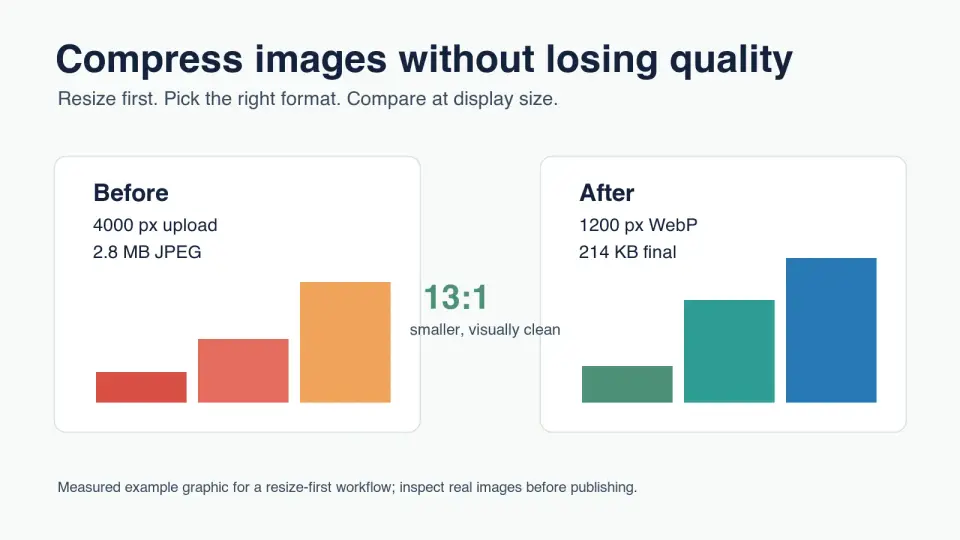
Compress Images Without Losing Quality: WebP Workflow
Compress images without losing quality using a resize-first WebP workflow, format rules, visual checks, and CDN publishing checklist.
More image optimization, AI editing, and visual content SEO guides from Imagic AI. Page 9 of 13.
2026-07-11
Compress images without losing quality using a resize-first WebP workflow, format rules, visual checks, and CDN publishing checklist.
2026-07-11
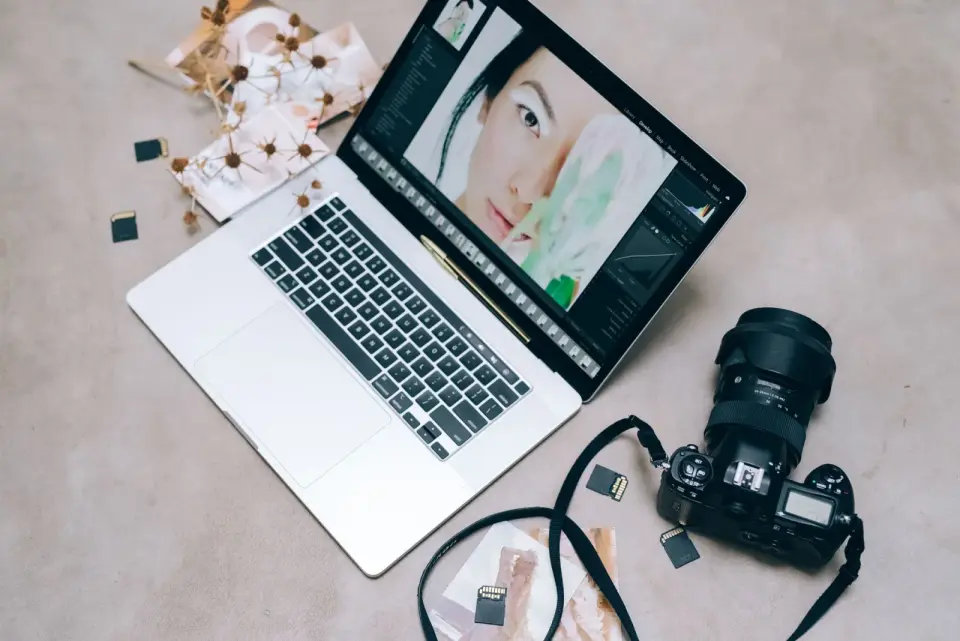
Compare GIMP, Photopea, Paint.NET, Pixlr, and browser image editors by platform, workflow, file support, and the editing jobs each tool handles best.
2026-07-11
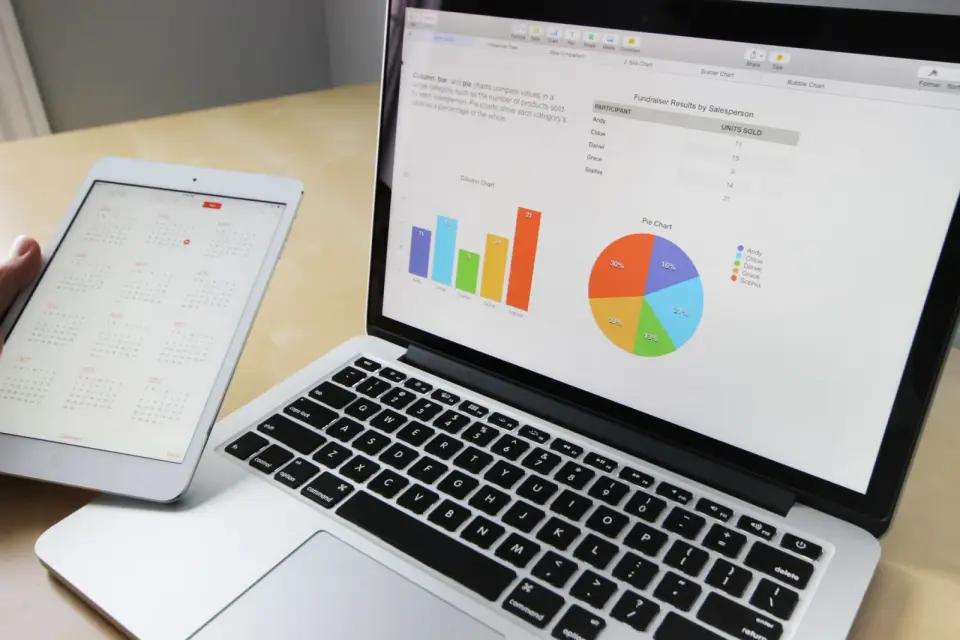
Reduce image file size with measured steps: resize to display width, compress to WebP, tune quality, and batch. Real byte savings from one 4.2 MB photo.

2026-07-11
How QR codes work, what they can encode (URL, vCard, Wi-Fi, SMS), how to generate a custom QR code with error correction and branding, and the scannability mistakes.
2026-07-11
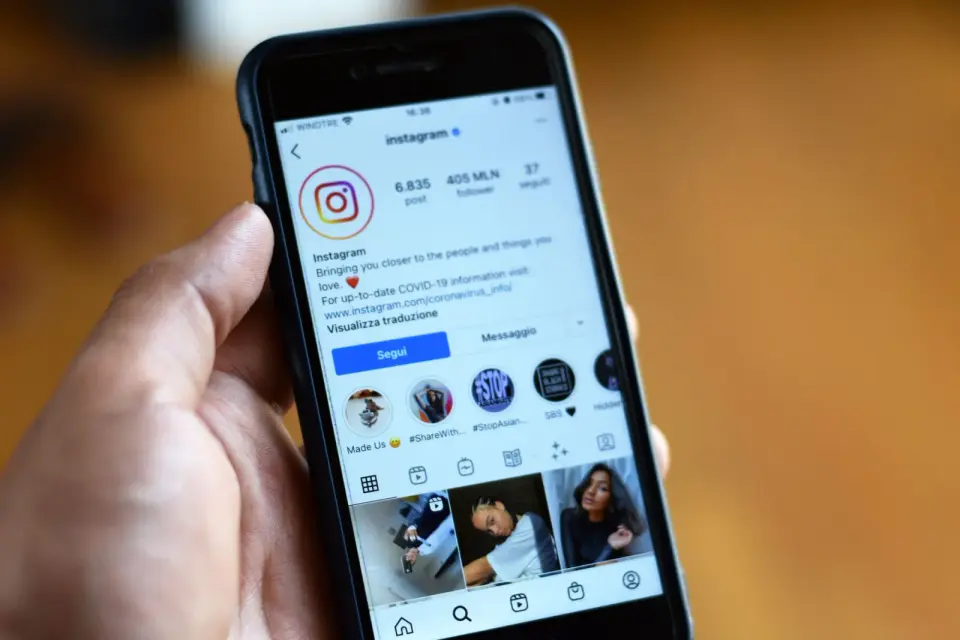
Resize photos to Instagram's 1080px feed, Story, and Reel sizes. Step-by-step cropping, compression-safe export settings, and batch resizing that avoid blur.
2026-07-10
Merge bracketed exposures into one HDR photo with detail in both shadows and highlights. Real bracketing steps, tone mapping settings, and when HDR looks fake.
2026-07-10
Add borders and frames to photos for Instagram, prints, and product shots. Real border styles, exact width settings, and the tools that produce clean, consistent frames.
2026-07-10
Correct photo colors online: fix white balance, remove color casts, and adjust saturation and contrast. Real steps, the gray-point method, and how to match skin tones.
2026-07-10
Convert images between color spaces and profiles: sRGB, Adobe RGB, CMYK. Real steps for accurate conversion, why profiles matter, and how to avoid muddy printed colors.
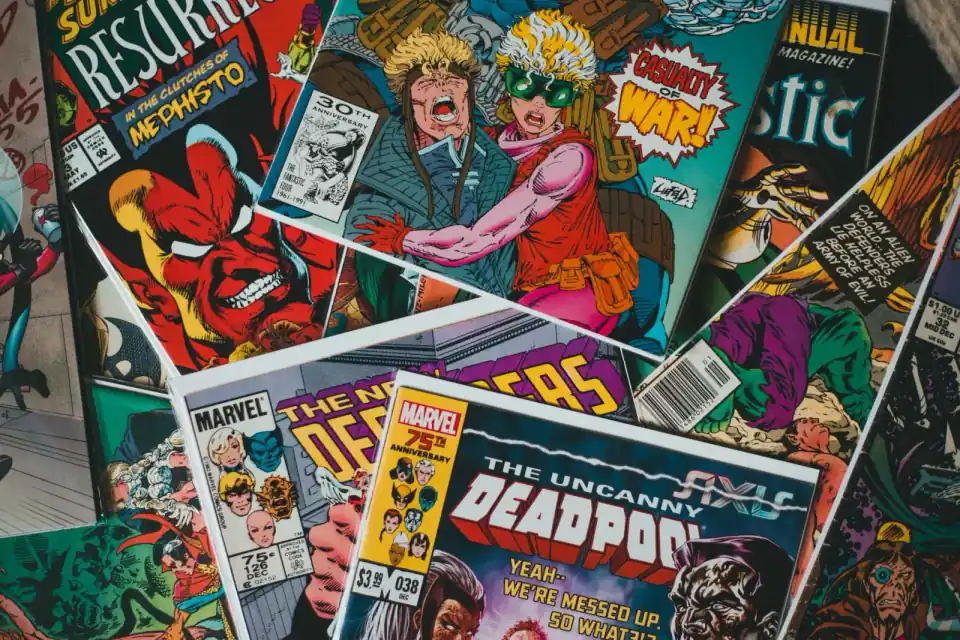
2026-07-10
Turn a photo into a comic-book style image with clean ink lines, bold color, halftone texture, and export settings that still look sharp online.
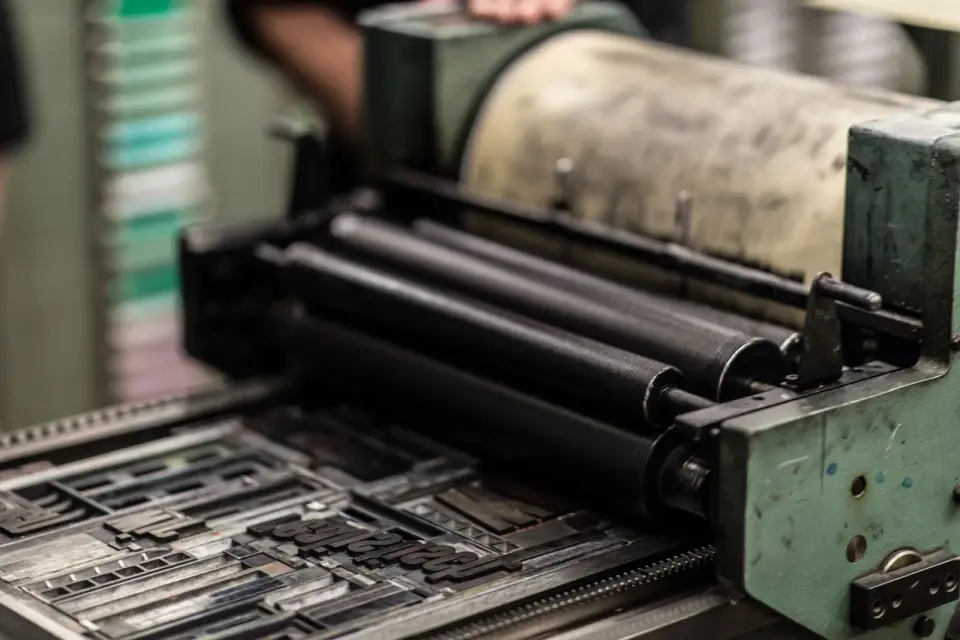
2026-07-10
Change an image's DPI for print without resizing pixels. Real DPI targets for print and screen, the difference between DPI and PPI, and how to avoid upscaling errors.
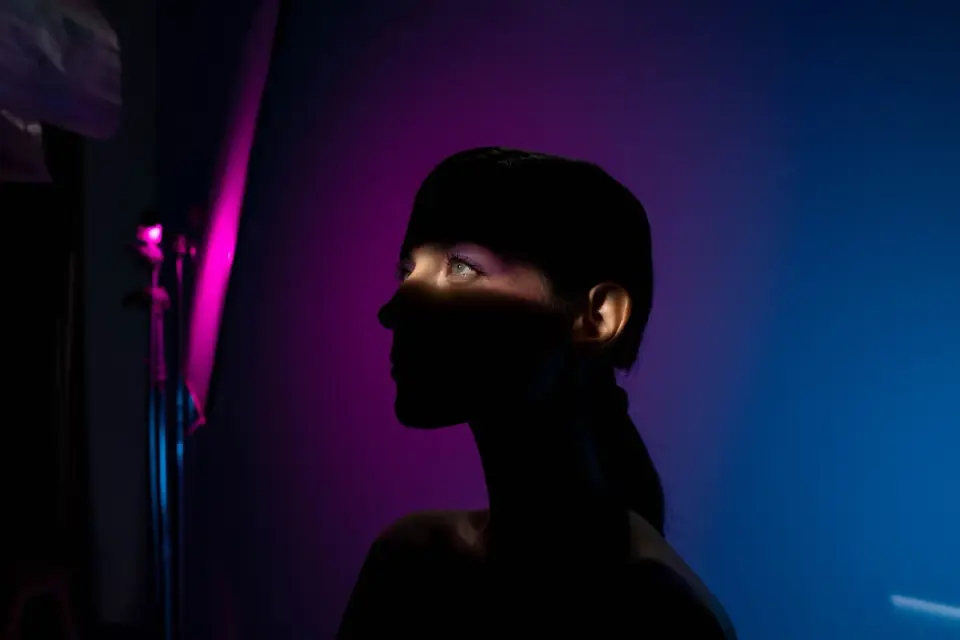
2026-07-10
Create a duotone effect on photos: how the two-color tint works, the best color pairs, how to apply it in Canva, Photoshop, or ImageMagick, and where it is used.
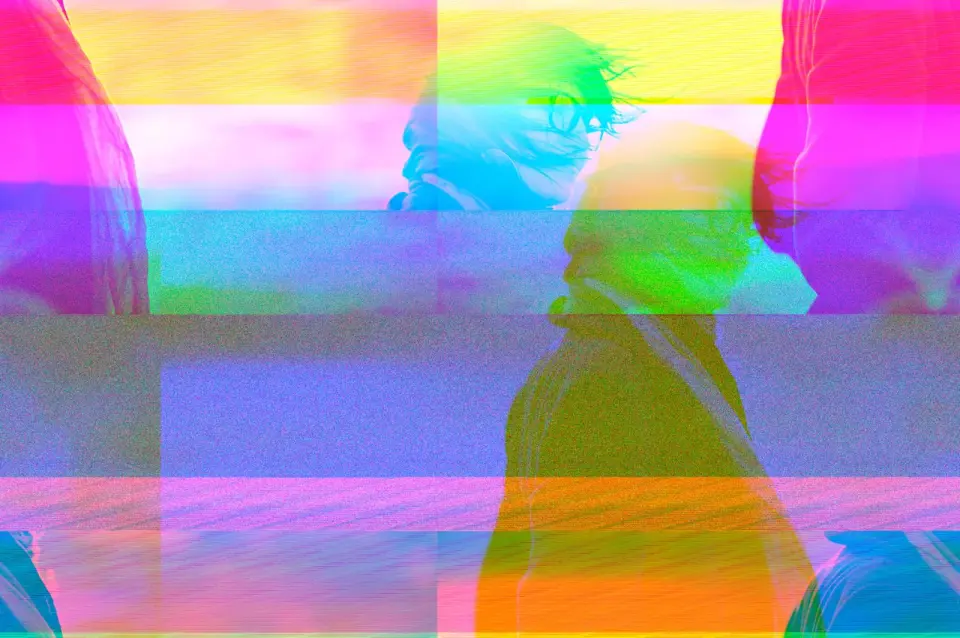
2026-07-10
Create glitch art from photos: channel splitting, datamoshing, and pixel sorting. Real techniques for the glitch look, the tools that do it, and when it fits the subject.
2026-07-10
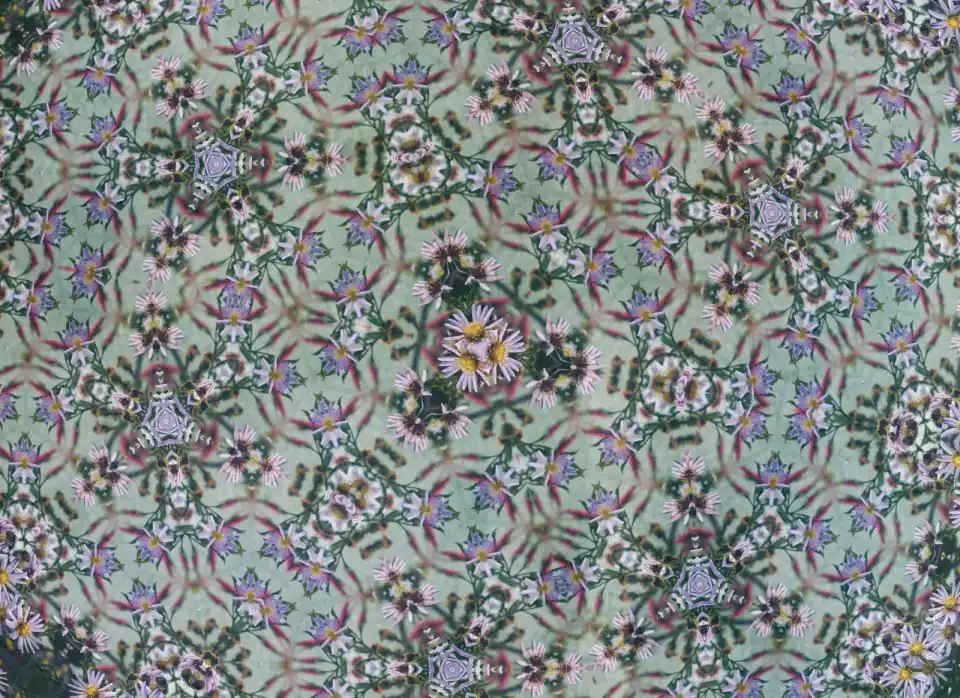
Create kaleidoscope art from photos: mirror slices, rotational symmetry, and the segment counts that change the pattern. Real steps and the source images that work best.
2026-07-10
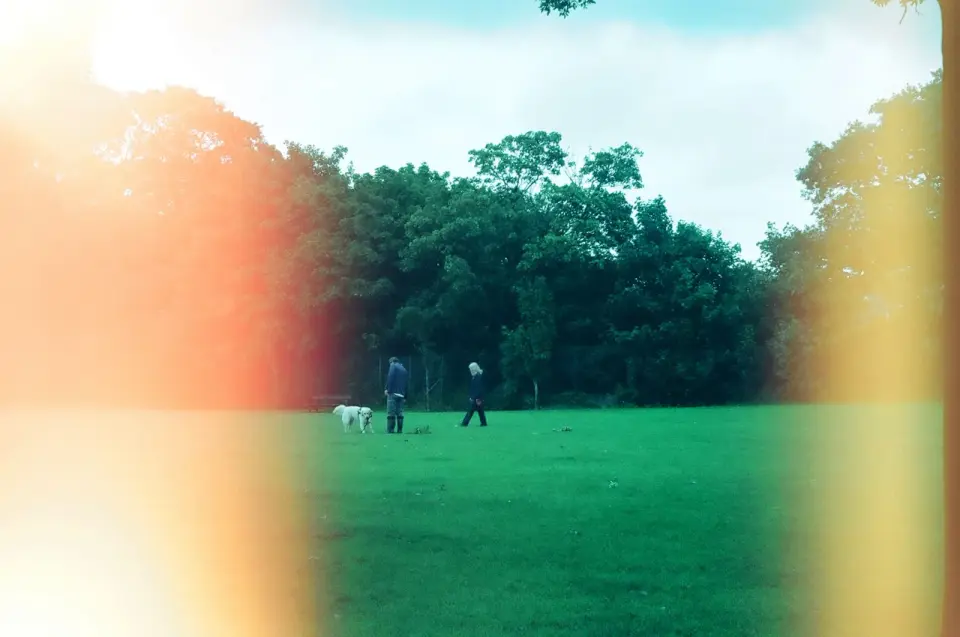
Add light leaks to photos for an analog film look: warm streaks, edge flares, and hazy glow. Real placements, blend modes, and the photos where the effect works best.
2026-07-10
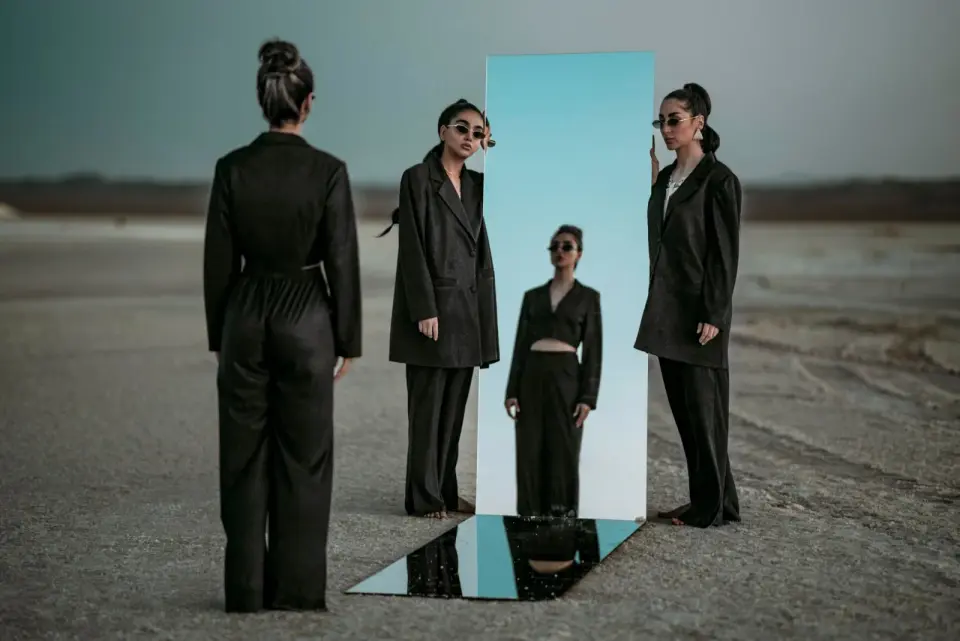
Mirror photos for reflections, flips, and symmetric compositions. Real flips, water reflections, and the mirror placements that produce clean seams and balanced designs.
2026-07-10
Create a negative photo effect by inverting colors: the film-negative look, partial inversions, and the photos where color inversion produces striking, surreal results.
2026-07-10
Add shadows to product and object photos: drop shadow, contact shadow, and cast shadow. Real settings for believable light direction, softness, and grounding a subject.