2026-06-28 · Updated 2026-06-30
How I Make AI Short Videos: Hooks, Captions, and B-Roll
Hooks, captions, b-roll, and repurposing: the AI workflow I use to ship Reels, TikToks, and Shorts each week, with the tools, limits, and what to skip.
Last updated: June 30, 2026
Short-form vertical video is the one format that still earns reach I cannot buy elsewhere, and AI is now doing the parts I used to dread: the hook, the b-roll, the captions, and the chop from a long recording into tight clips. I published roughly 120 short videos last quarter using this workflow, and this is the exact order I run — write a three-second hook, generate or pull b-roll, burn in captions, cut it to length, and post.
For the model behind the clips, I lean on Sora video generator and Runway Gen-3 video; the finishing cut and effects live in our AI video editing notes. Here is how the short-video assembly actually works.
Quick answer: how do you make a short video with AI?
Pick one idea, write a hook that pays off in the first three seconds, generate or gather five to eight seconds of b-roll, transcribe and burn in captions, trim to under 60 seconds at 9:16, and post. That is the whole loop. The AI handles four of those steps — b-roll generation, transcription, captioning, and the long-to-short chop — but you still write the hook and pick the cut.
I tested this exact sequence on a faceless finance channel and a talking-head product channel, and the order held for both. The creative decisions are narrow but they matter: the hook decides whether anyone sees the second second, and the caption style decides whether muted viewers stay.
What counts as a short video, and what do the platforms want?
A short video is vertical, 9:16, under three minutes, and built for autoplay with sound off. The three platforms each define the ceiling differently, and the safe length is shorter than the maximum.
| Platform | Aspect ratio | Max length | Length I actually post |
|---|---|---|---|
| Instagram Reels | 9:16 (4:5 accepted) | 90 seconds | 15 to 30 seconds |
| TikTok | 9:16 | 10 minutes | 21 to 34 seconds |
| YouTube Shorts | 9:16 | 60 seconds | under 58 seconds |
Two rules from the platforms shape everything else. Per YouTube's Shorts guidance, a Short must be vertical and 60 seconds or under or it is not a Short at all — it gets filed as a regular video and loses the Shorts feed. Instagram's Reels best practices push the same vertical-only constraint and reward text and captions because so many people watch muted.
The practical upshot: shoot or render 9:16 every time, write for the muted viewer, and keep the hook in the first three seconds. I treat 30 seconds as my default and only go longer when the idea genuinely needs the runway.
The hook: writing a three-second opener that earns the swipe
The hook is the single highest-leverage thing you write, and AI is mediocre at it, so I write hooks myself and use AI only to pressure-test them. A hook does one of four jobs: it makes a promise, it states a tension, it shows a result, or it asks a question the viewer needs answered.

Hooks I have measured as working:
- "This took me six hours. Here is the 30-second version."
- "Nobody tells you this about [topic] until it costs you money."
- "I tested [tool] for 30 days. The result was not what I expected."
- "Three seconds in, watch what happens to the price."
I write five hooks, paste them into the video generator's prompt as the on-screen text, and pick the one that reads fastest. The first frame has to carry the hook visually, because the caption has not been read yet at second zero.
B-roll and visuals: generating footage when you have none
If you are on camera, the b-roll is your face plus cutaways. If you are faceless, the b-roll is the entire video, and this is where AI footage earns its keep. I generate establishing shots, product close-ups, and abstract motion clips, then lay the script under them.
A faceless workflow I run every week:
- Write the 60-second script and split it into six to eight shots.
- Generate each shot as a five-second clip from a text prompt.
- Hold a consistent style by reusing the same style descriptors in every prompt.
- Sequence the clips so each matches the line being spoken.
- Add a voiceover from a cloned or stock AI voice.
- Burn in captions and export at 9:16.
The honest limit: AI-generated clips drift. A coffee cup changes shape between shots, text in the frame comes out garbled, and identity is not locked across cuts. I generate three takes of each shot and pick the cleanest, and I avoid asking the model for on-screen text or logos. When I need footage I can trust, I pair generated clips with stock so the cuts do not all look synthetic.
Captions: on-screen text that keeps the autoplay muted viewer
Captions are non-negotiable because most short-video views start muted. I auto-transcribe the audio, then style the words so they are readable in the first glance. The default AI caption export is usable but ugly, so I spend two minutes on the type.
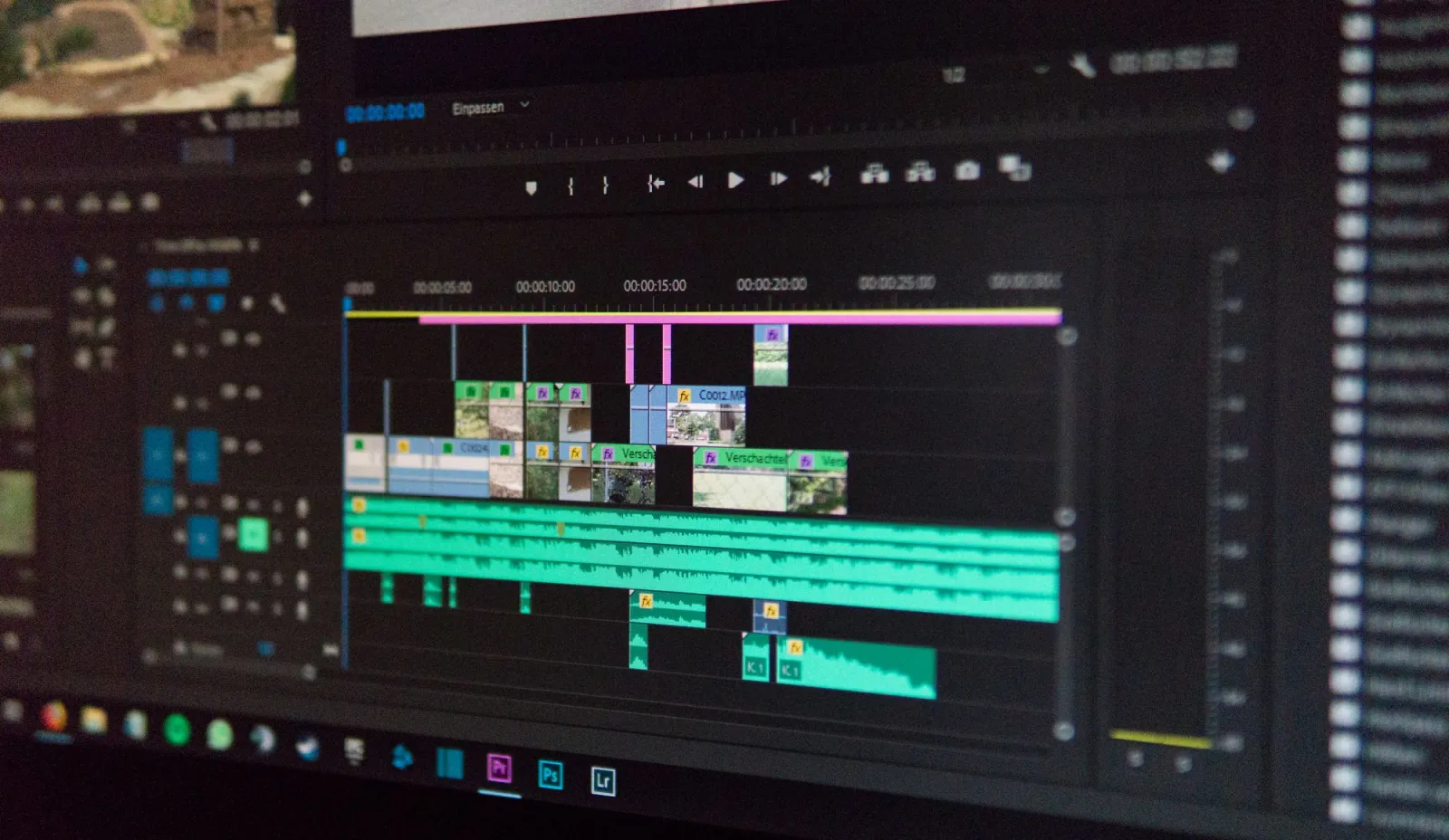
Caption rules I follow:
- One to three words per caption card, synced to the beat of the speech.
- Place words in the upper-middle third, clear of platform UI and the comment bar.
- Use a heavy sans-serif with a stroke or background plate for contrast.
- Highlight the keyword in a contrasting color to anchor the eye.
- Keep captions inside the safe zone so they survive when reposted across apps.
The transcription itself I treat as a draft. AI gets proper nouns, numbers, and technical terms wrong, and one wrong word in a caption reads as a mistake to the viewer. I read every caption aloud against the audio before I export.
Repurposing a long video into short clips
Repurposing is where AI pays back the fastest, because the long video already exists and the only question is which thirty seconds are worth cutting. I take a 20-minute recording and pull four to six shorts from it in one sitting.
The method I use:
- Drop the long video in and run AI transcription with speaker turns.
- Ask the tool to flag moments above a watch-rate or engagement threshold.
- Pull each flagged moment and trim ten seconds of runway on either side.
- Re-frame horizontal footage to 9:16 using auto-tracking on the speaker.
- Re-cut the hook to the front so each clip opens on its strongest line.
- Burn in fresh captions and publish each short as its own post.
Re-framing is the step that breaks most often. Auto-tracking loses the speaker when they move or when two people are on screen, so I check the 9:16 crop frame by frame on the first clip of every batch. Our AI video editing walkthrough covers the re-frame and color tools in more depth.
Which AI tools do I actually use?
I keep the stack small on purpose. Each tool does one job better than the others, and switching tools mid-batch costs more time than it saves.
| Job | What I use | Why |
|---|---|---|
| Text or image to clip | Sora video generator | Longest coherent shots, strong motion |
| Camera-controlled clips | Runway Gen-3 video | Direct pan, tilt, and zoom dials |
| Long-to-short chopping | Built-in AI highlight finder | Finds watch-rate peaks automatically |
| Captions and transcription | Auto-caption with manual pass | Fast draft, I fix the nouns |
The model comparison and the Sora-versus-Runway trade-off live in the Sora AI video generator breakdown. For shorts specifically I reach for Sora when I need the shot to hold together and Runway when I need a precise camera move.
What will get your short flagged or buried?
The platforms penalize specific things, and a few of them are easy to trip by accident when you lean on AI. Knowing the rules before you publish saves a post that would otherwise die in review.
Risks I watch for:
- Watermarks from a rival platform left on the export.
- Low-resolution or letterboxed footage that signals a lazy repost.
- Auto-generated captions with profanity or slurs mis-transcribed.
- AI footage of real people without disclosure where a platform requires it.
- Audio that is unlicensed or pulled from another creator's video.
TikTok's business advertising and content policies set the bar for what gets demoted, and the other platforms follow a similar logic: original, vertical, clear, and on-topic survives. I keep a checklist of these and run it on every short before I hit publish, because one watermark has tanked an otherwise strong post for me.
Summary: my weekly short-video workflow
Here is the loop I run every week, compressed to the steps that matter. The AI does the heavy lifting on b-roll, captions, and the long-to-short chop; I write the hook and make the cut.

My weekly checklist:
- Pick one idea and write five hook variants.
- Generate or pull six to eight seconds of b-roll per shot.
- Record or synthesize the voiceover.
- Auto-transcribe and burn in styled captions.
- Trim to 9:16 under 60 seconds, hook in the first three seconds.
- Run the flag-risk checklist, then post.
The caveat I will end on: AI accelerates production, but it does not manufacture demand. The shorts that performed best for me were the ones with a genuinely useful or surprising idea underneath the polish. A fast, cheap, well-captioned video about nothing still flops. Use the workflow to ship more of your good ideas, not to paper over the absence of one.
Image credits
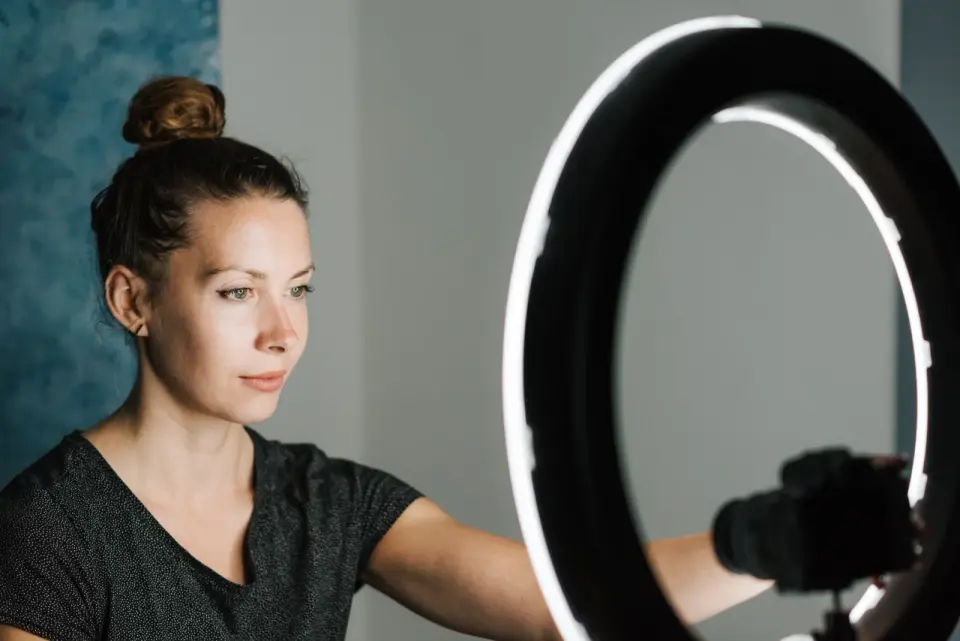
- A modern smartphone on a tripod recording a content styling video setup — photo by Tracy Le Blanc on Pexels
- A content creator recording a video at a desk with camera and lighting gear — photo by RODNAE Productions on Pexels
- A close-up of a video editing timeline interface on a computer screen — photo by Alex Fu on Pexels
- A smartphone screen displaying popular social media applications — photo by cottonbro studio on Pexels
Use the free tools while you follow the guide.
Keep reading
2026-09-13
16-Bit Depth Maps: Fix Banding and Verify Your PNG
Fix stair-stepped or inverted depth maps with a reproducible 8-bit vs 16-bit PNG test, a file inspection script, and a practical Blender import checklist.
2026-09-13
GIF Maker From Images: Build Animated GIFs That Load Fast
Turn a set of images into an animated GIF for web and social media. Real frame timing, size limits for each platform, and when to choose GIF over video.

2026-09-13
How to Blur Faces and License Plates Before You Post
Blur or pixelate faces and license plates so they stay unreadable. Which method actually anonymizes, what fails, and how to avoid leaking EXIF location data.